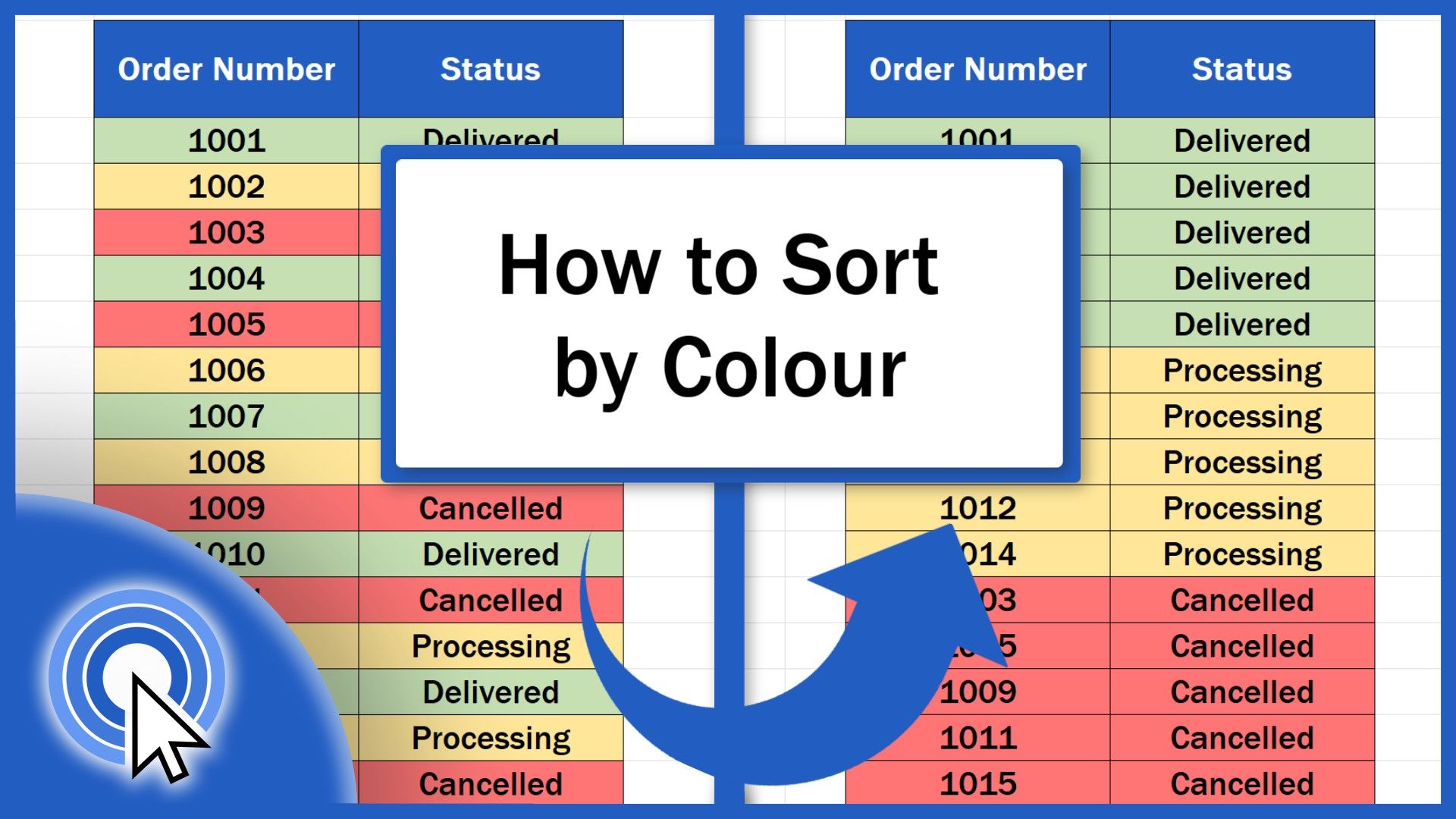
Welcome! This video tutorial shows how to sort by colour in Excel. Using colours is an excellent way to quickly and conveniently sort data, which can help you towards a clear data overview. How to Open the Sort Dialog to Sort by Colour If we want to sort data by colour in Excel, first, we need...
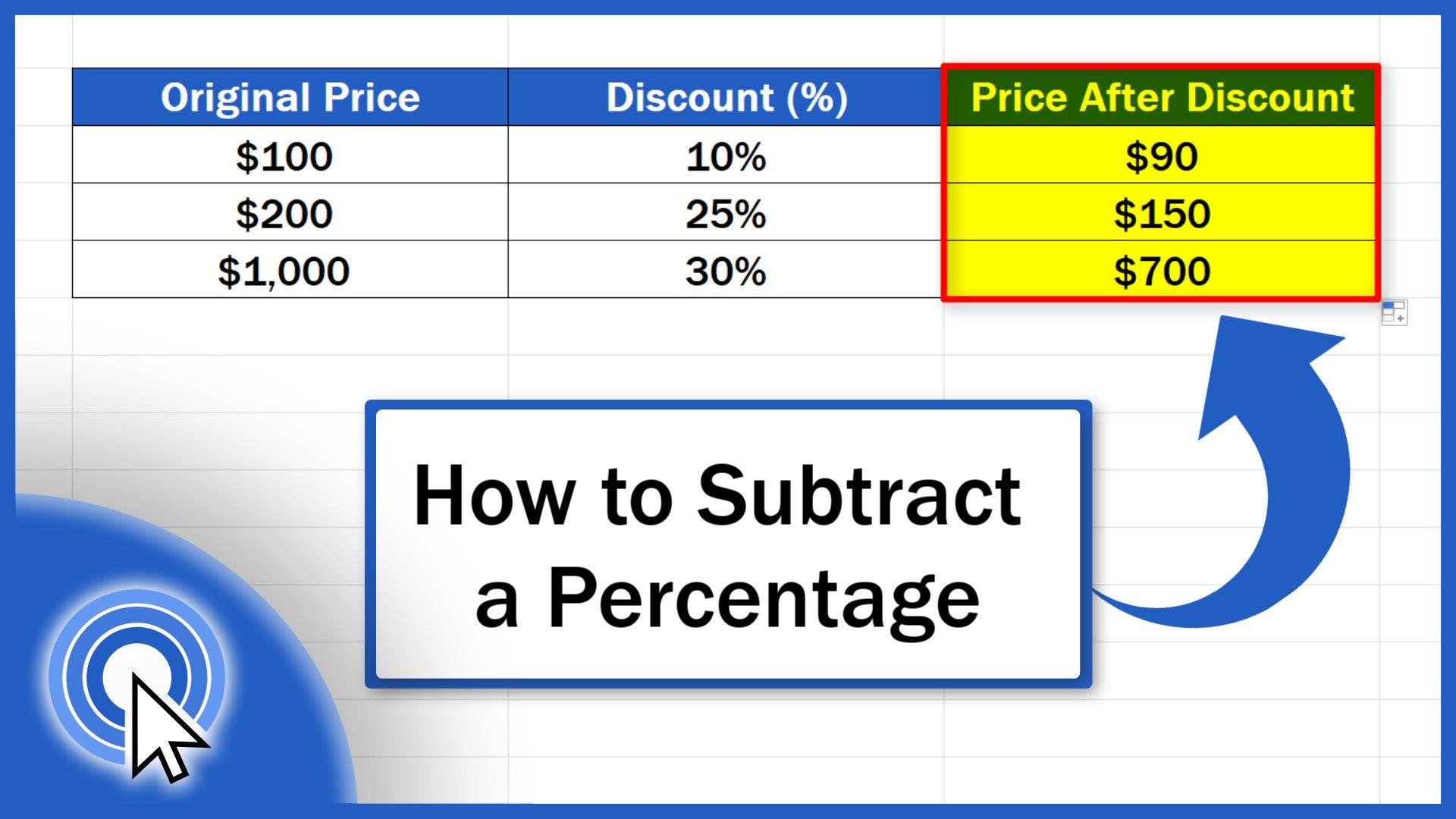
Welcome! Today we’re going to talk about the simplest way how to subtract a percentage in Excel. We’ll be going through a step-by-step guide that you’ll be able to use immediately when calculating discounts, rebates or in any situation where you need to subtract a percentage from a specific sum. Ready? Let’s start! To learn how to subtract a percentage...
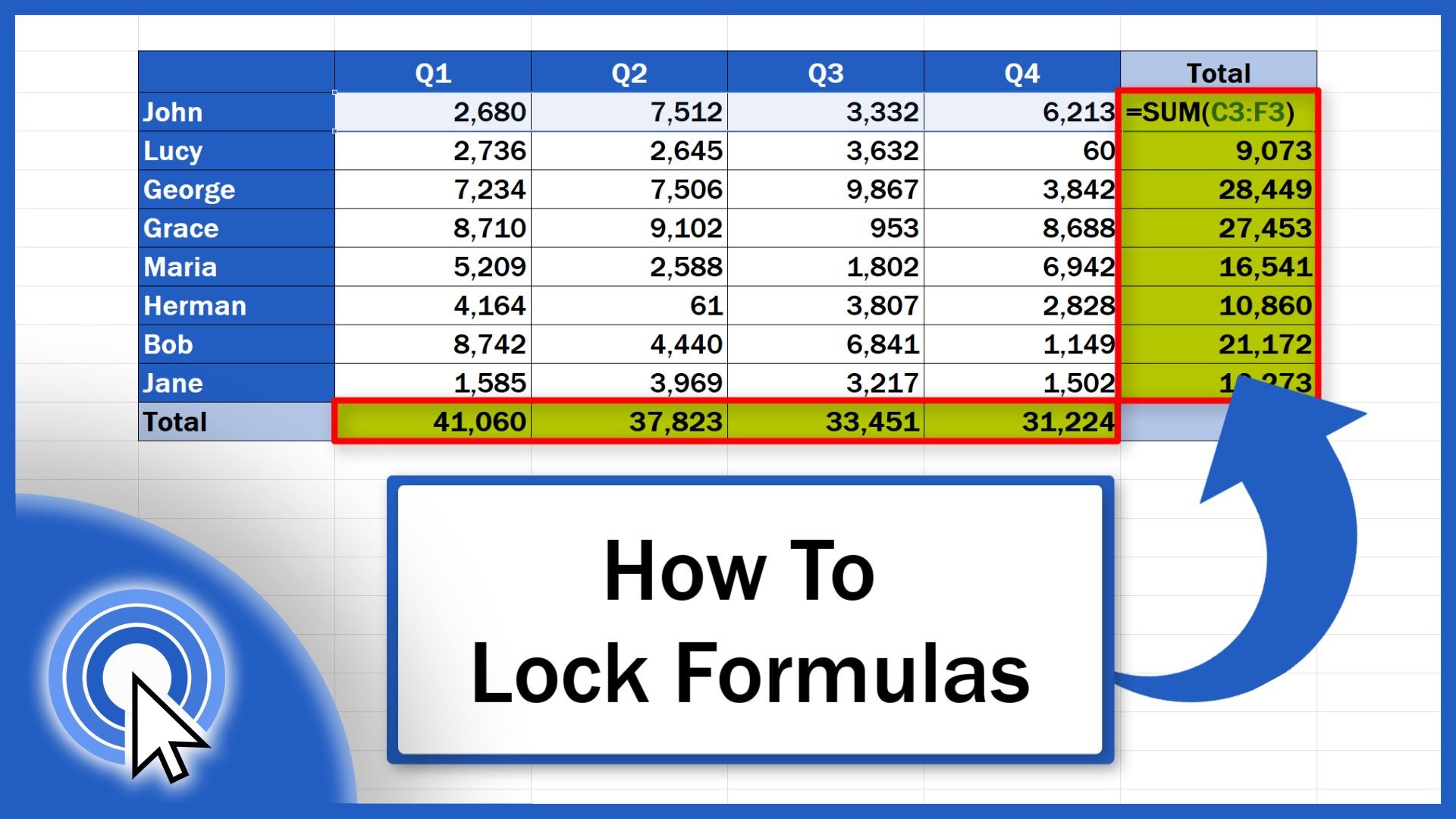
This video tutorial shows the easiest way how to lock formulas in Excel. You’ll be able to protect the formulas in your data table, so that no one will be able to rewrite them, which practically means that the calculations in the table will always be processed the way you need them to be processed...
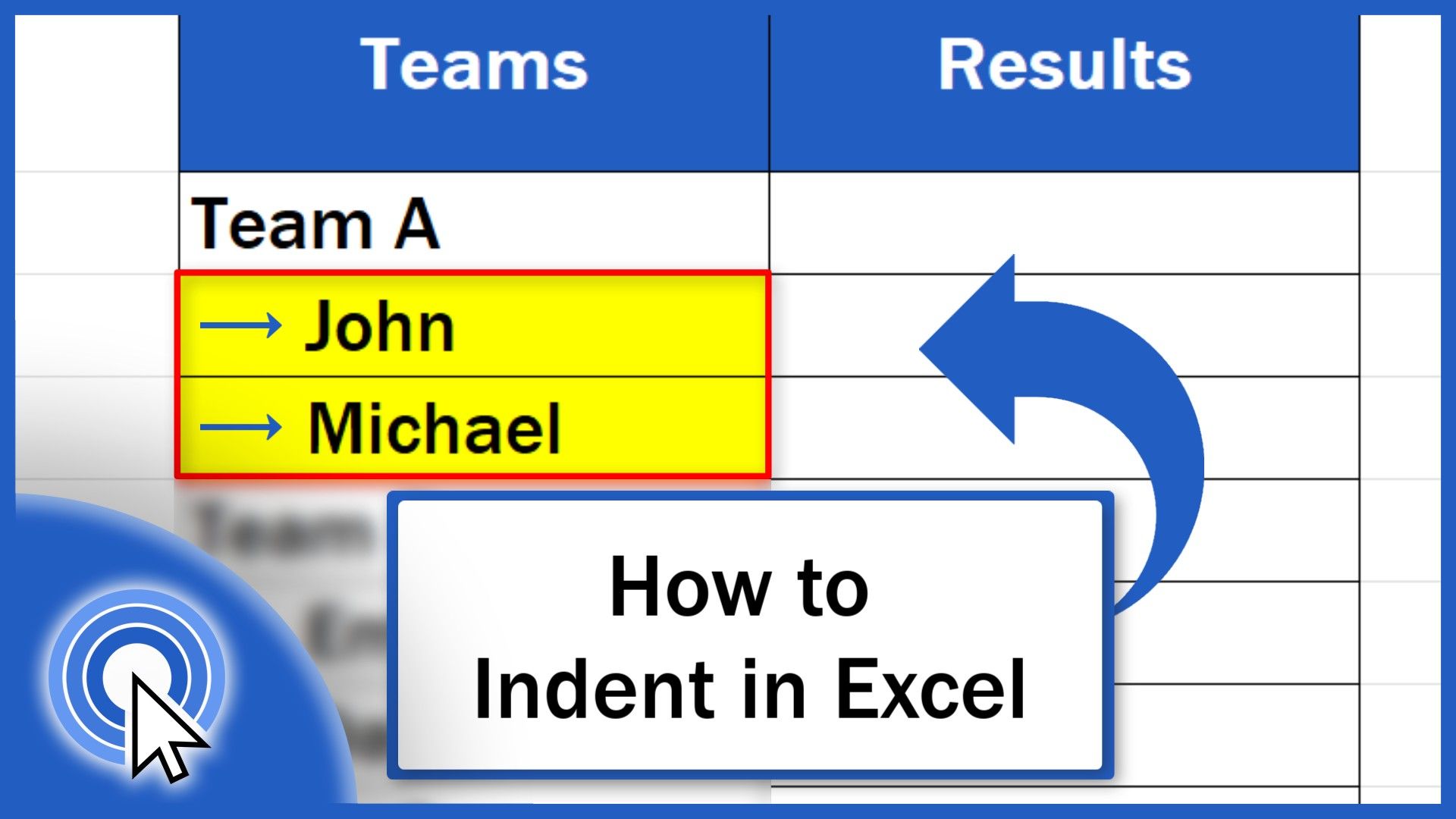
Welcome! In this video tutorial, we’re going to have a look at the best way how to indent in Excel. Thanks to indentation, the data in a table will look neat and clearly organised. How to Increase Indent in Excel To indent text in Excel, we begin by clicking on the cell we want to alter. Let’s...
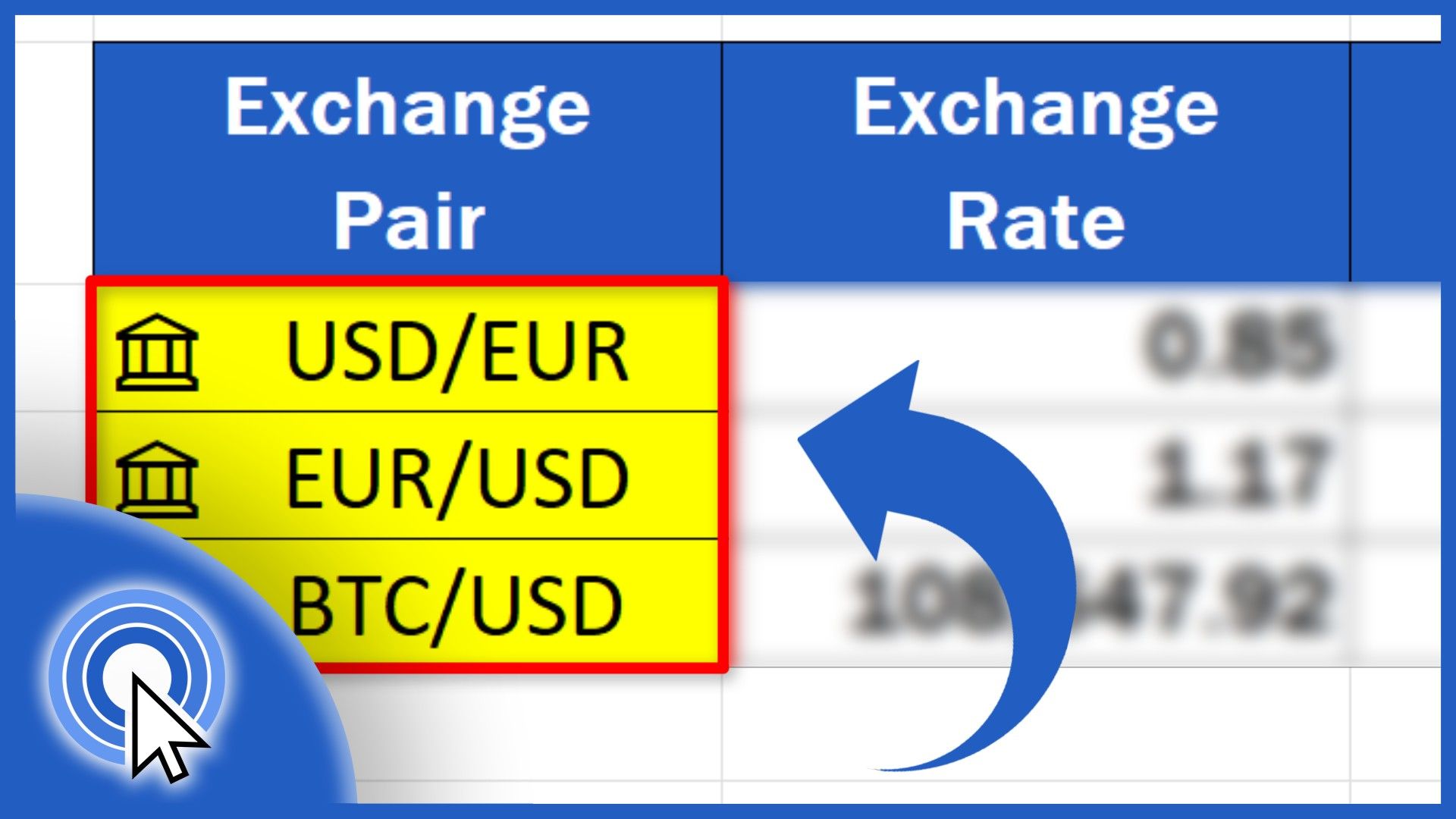
Today we’re going to talk about the easiest way how to convert currency in Excel. First, we’re going to have a look at how we can conveniently obtain the information on the current exchange rates for various currencies. Then, we’re going to make a simple currency exchange calculator to convert any amount from one currency to another....
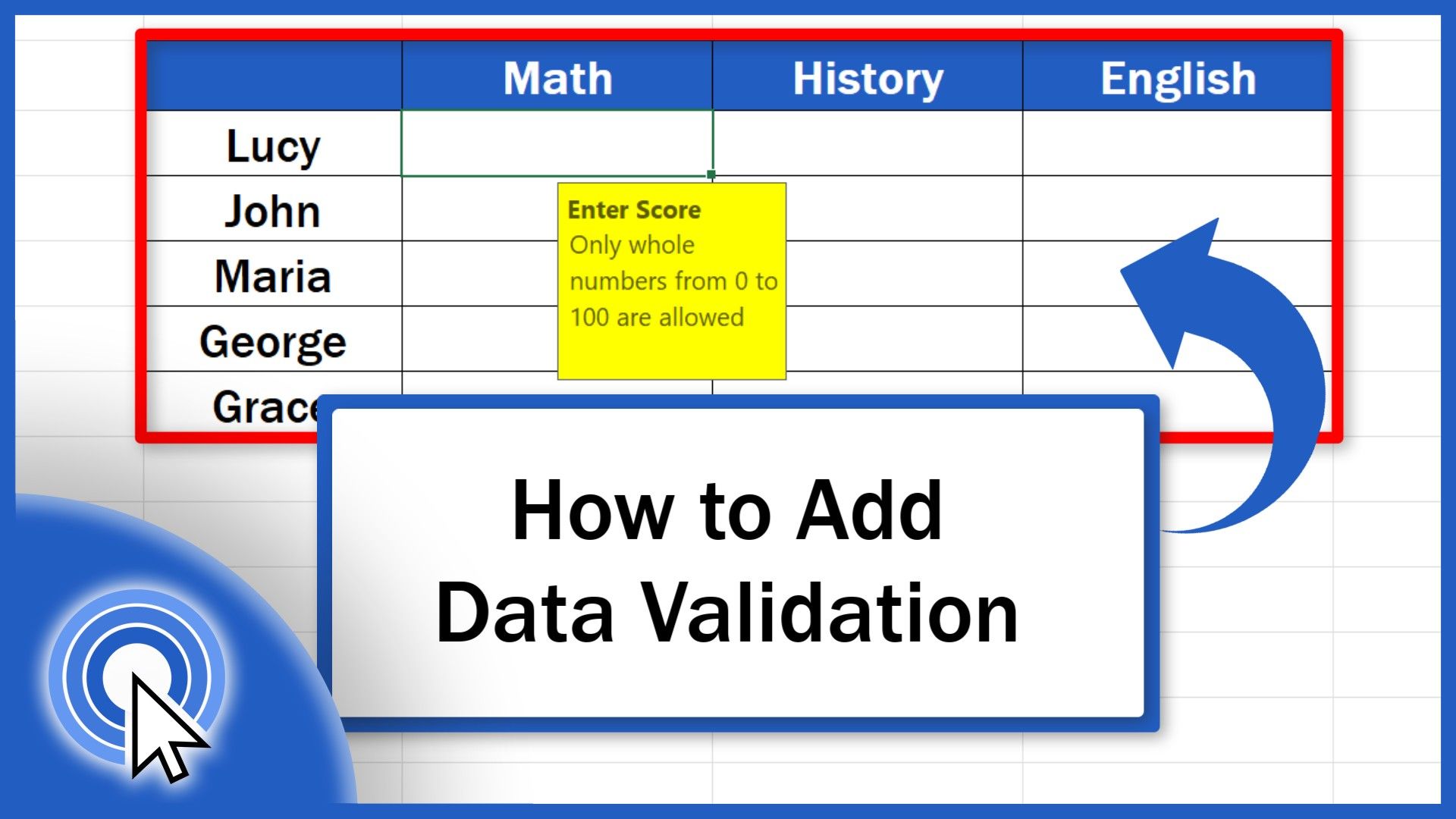
In this video tutorial, we’ll have a look at how to add Data Validation in Excel in a quick and easy way. Through this useful feature, we can set what data can and what can’t be entered into a cell with the result being exact, reliable and consistent data tables. We’re going to use this simple example to...
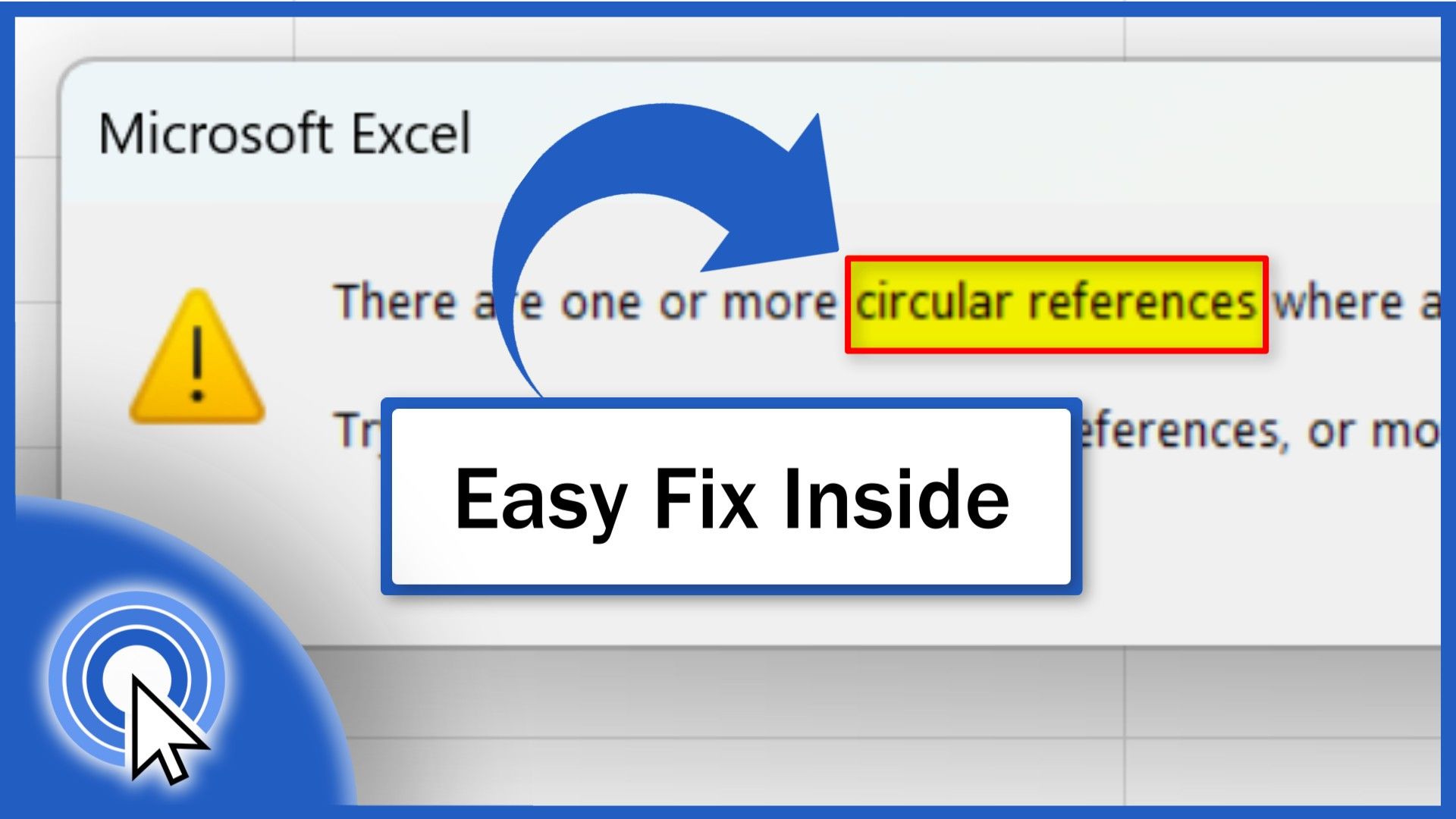
Today’s video tutorial shows how to find a circular reference in Excel. A circular reference is an error which can completely block your calculations. Once you’ve watched this tutorial, you’ll be able to locate circular references in a spreadsheet and fix them in a quick and easy way. What is a Circular Reference (Explained with Example) A circular reference in...
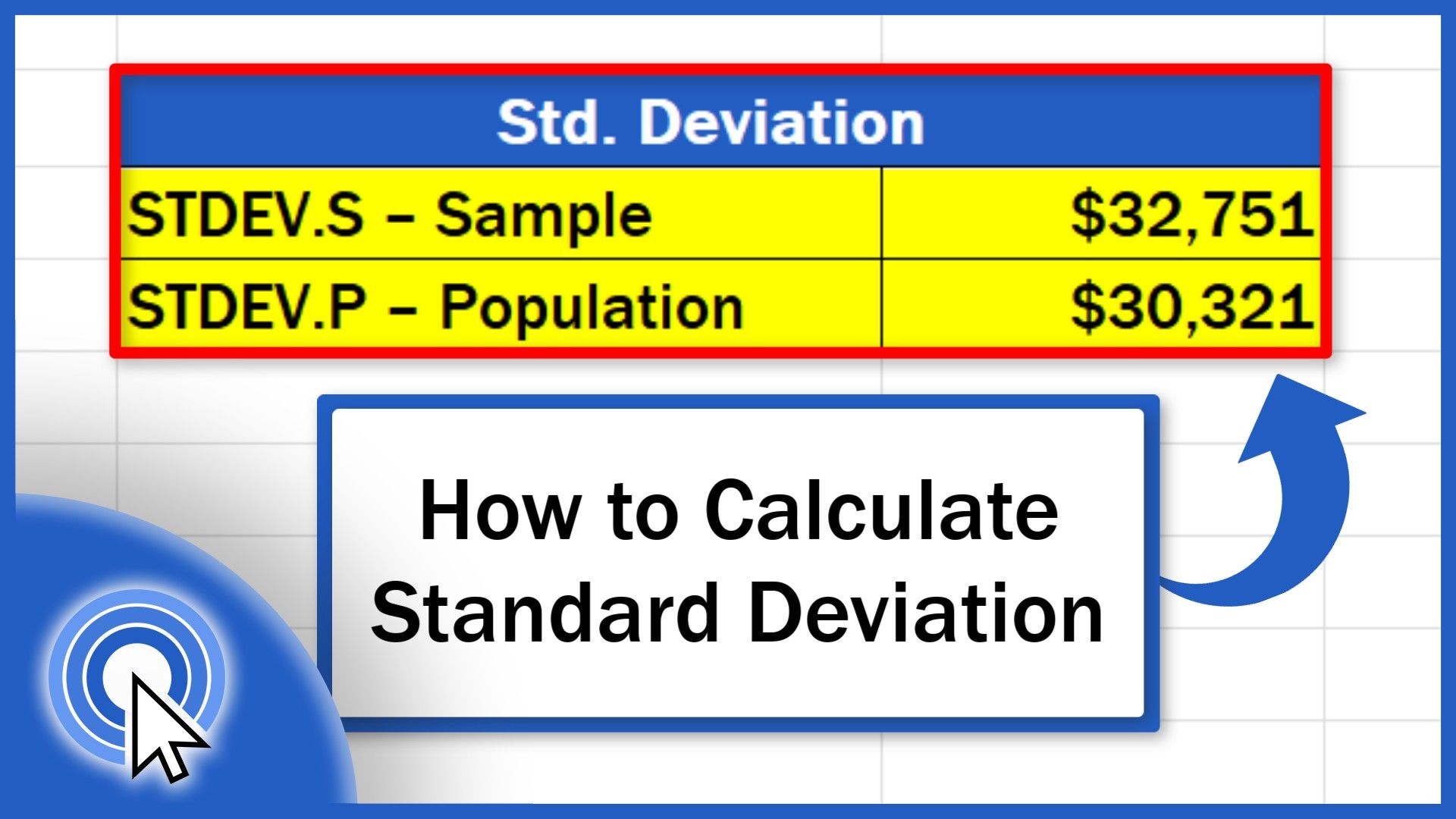
In this video tutorial, we’re going to work through a specific example to demonstrate how to calculate the standard deviation in Excel in a quick and easy way. We’re also going to talk about the difference between the functions STDEV.S and STDEV.P and how to use both correctly in a data analysis. What is Standard Deviation Let’s now...
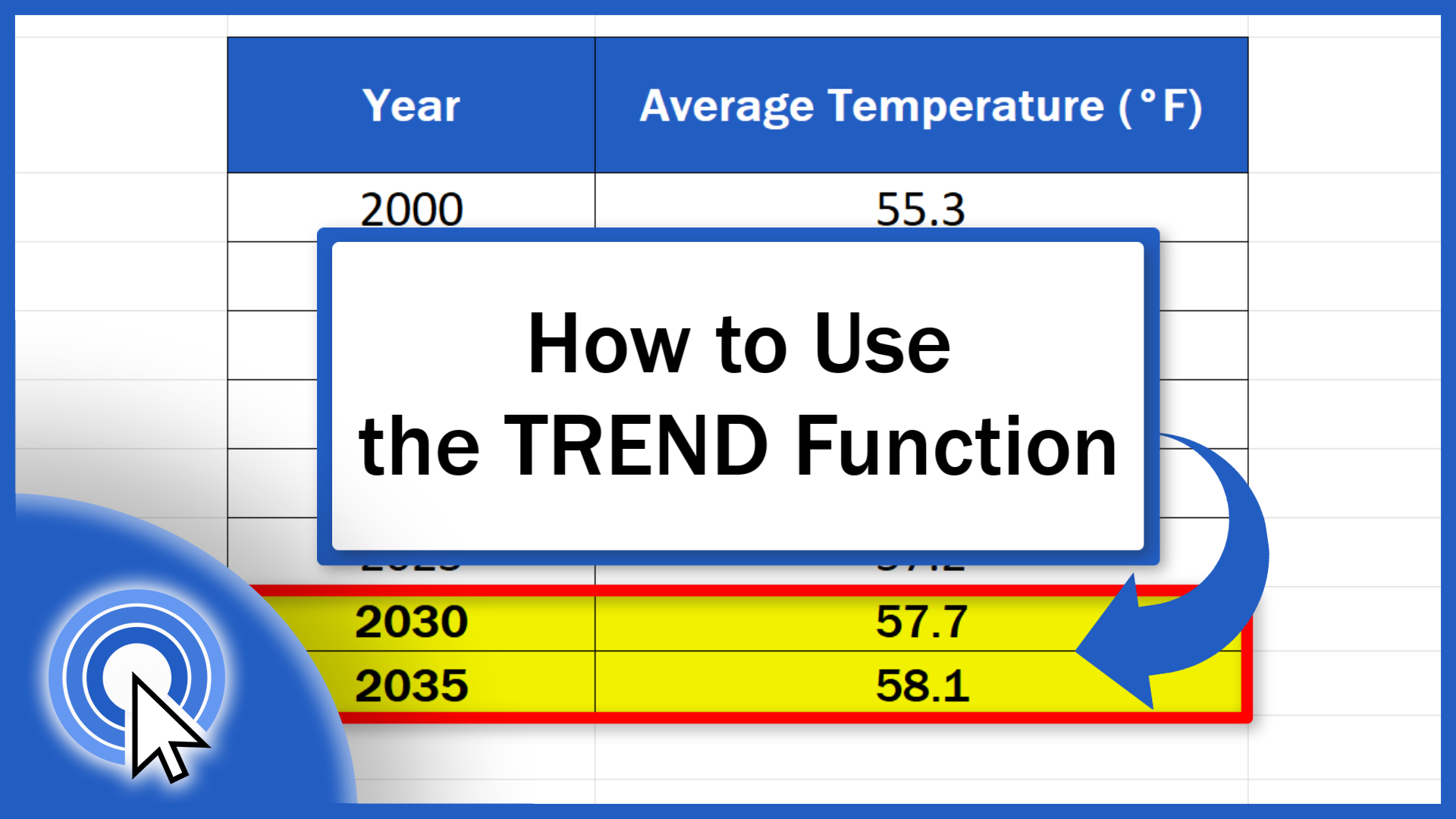
Today we’ll be talking about how to use the TREND function in Excel. This interesting feature provides a realistic forecast based on past data. Let’s have a look! How to Choose the Right Data for the TREND function To begin with, it’s important to note that the TREND function is great when the data you’re working with...
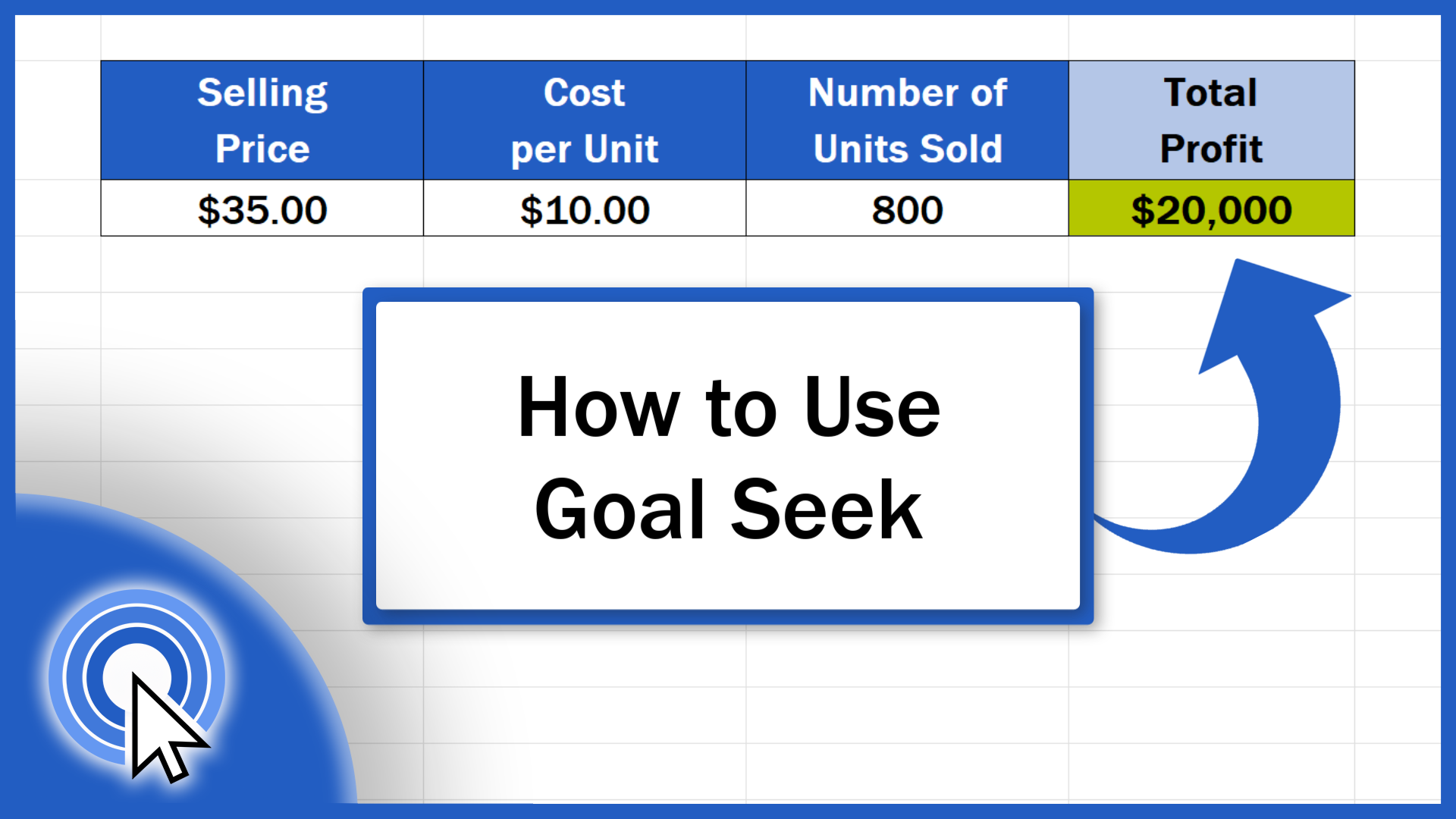
In this video tutorial, we’re going to have a look at how to use the function Goal Seek in Excel in a quick and easy way. It comes very handy when you’ve got to calculate a value needed to achieve a set goal. So, let’s see how it works using a specific example. To better understand what Goal Seek in...