How to Create Drop-Down List in Excel
In this short tutorial, I’ll show you how to easily create a drop-down list in Excel.
Microsoft Excel quick and easy
New Excel tutorial every week
In this short tutorial, I’ll show you how to easily create a drop-down list in Excel.
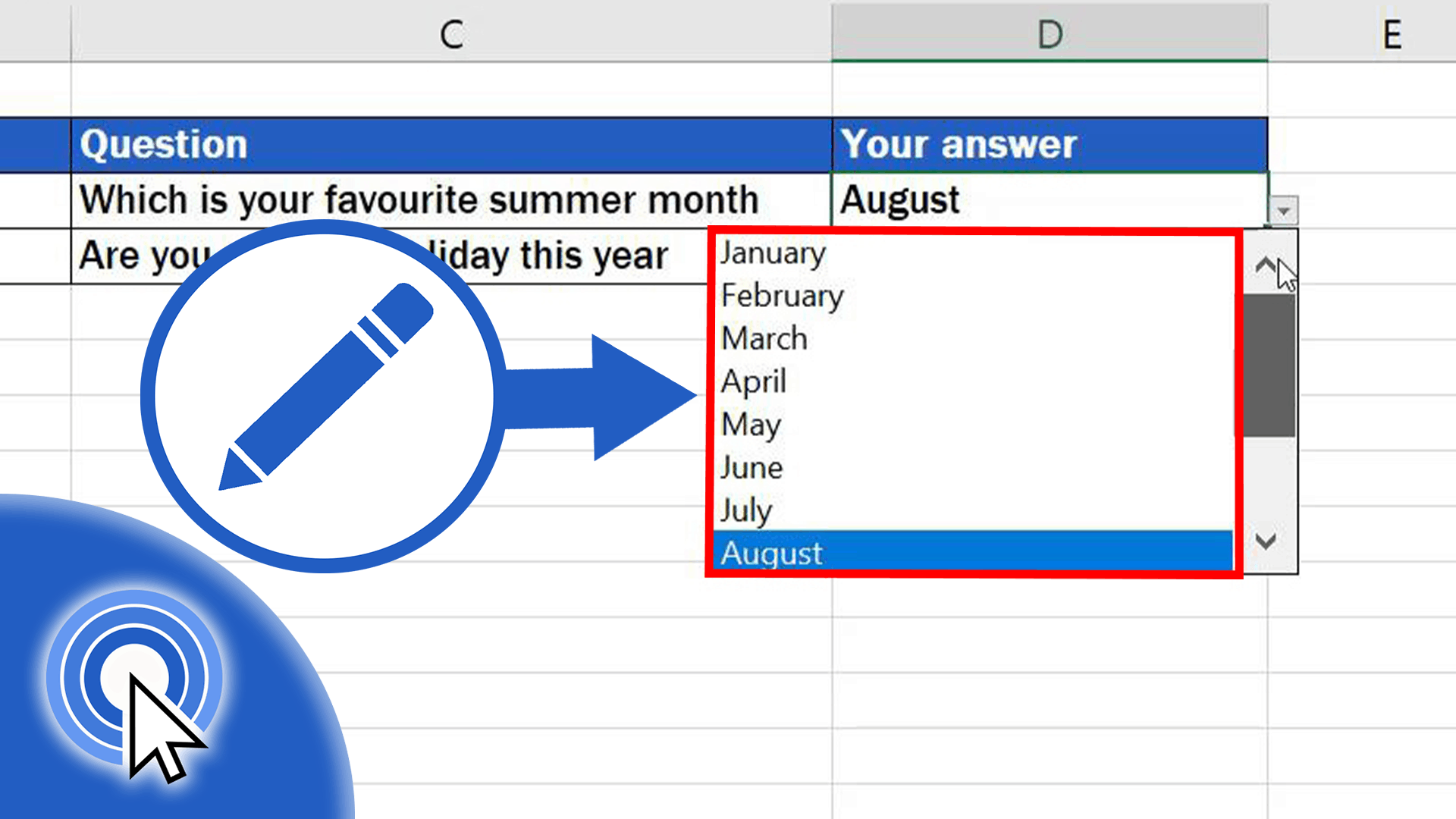
In this tutorial, we’ll go a bit further and you’ll learn how to edit the drop-down menu and change options offered on the list.

This tutorial will guide you through a simple way how to multiply numbers in Excel.
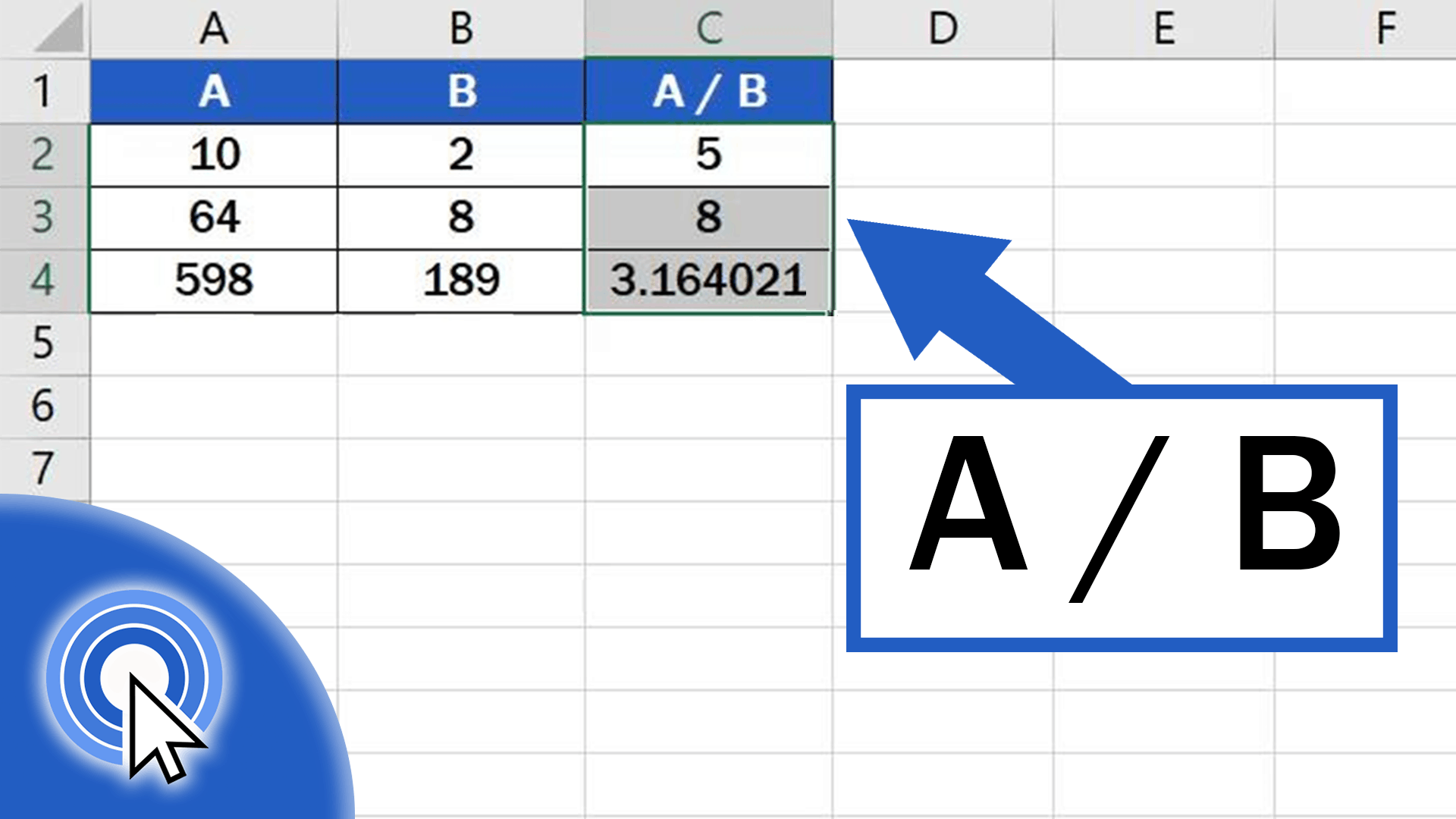
This is an Excel tutorial on how to divide numbers in Excel.
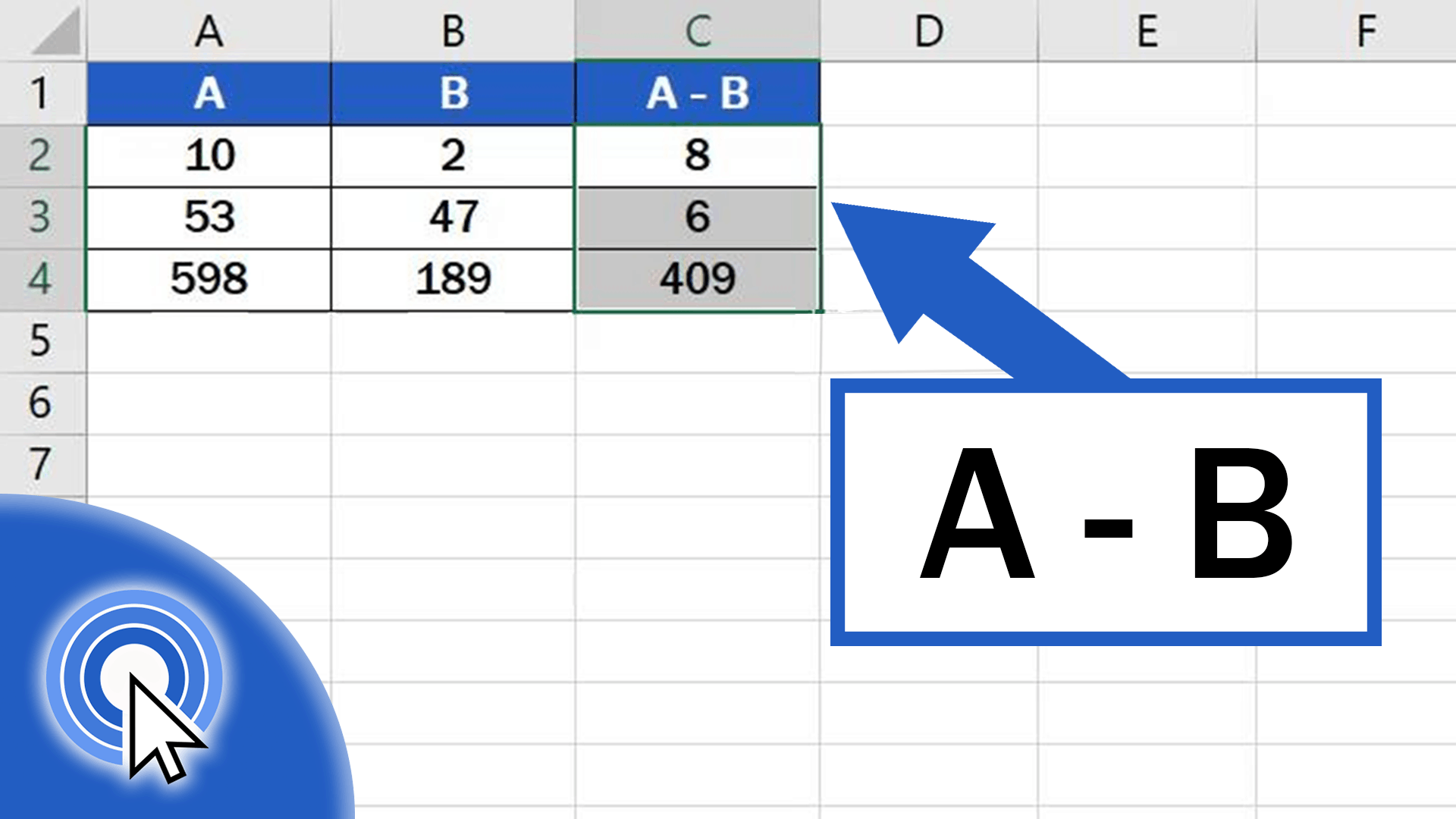
In this short tutorial, I’ll show you how to easily subtract numbers in Excel.
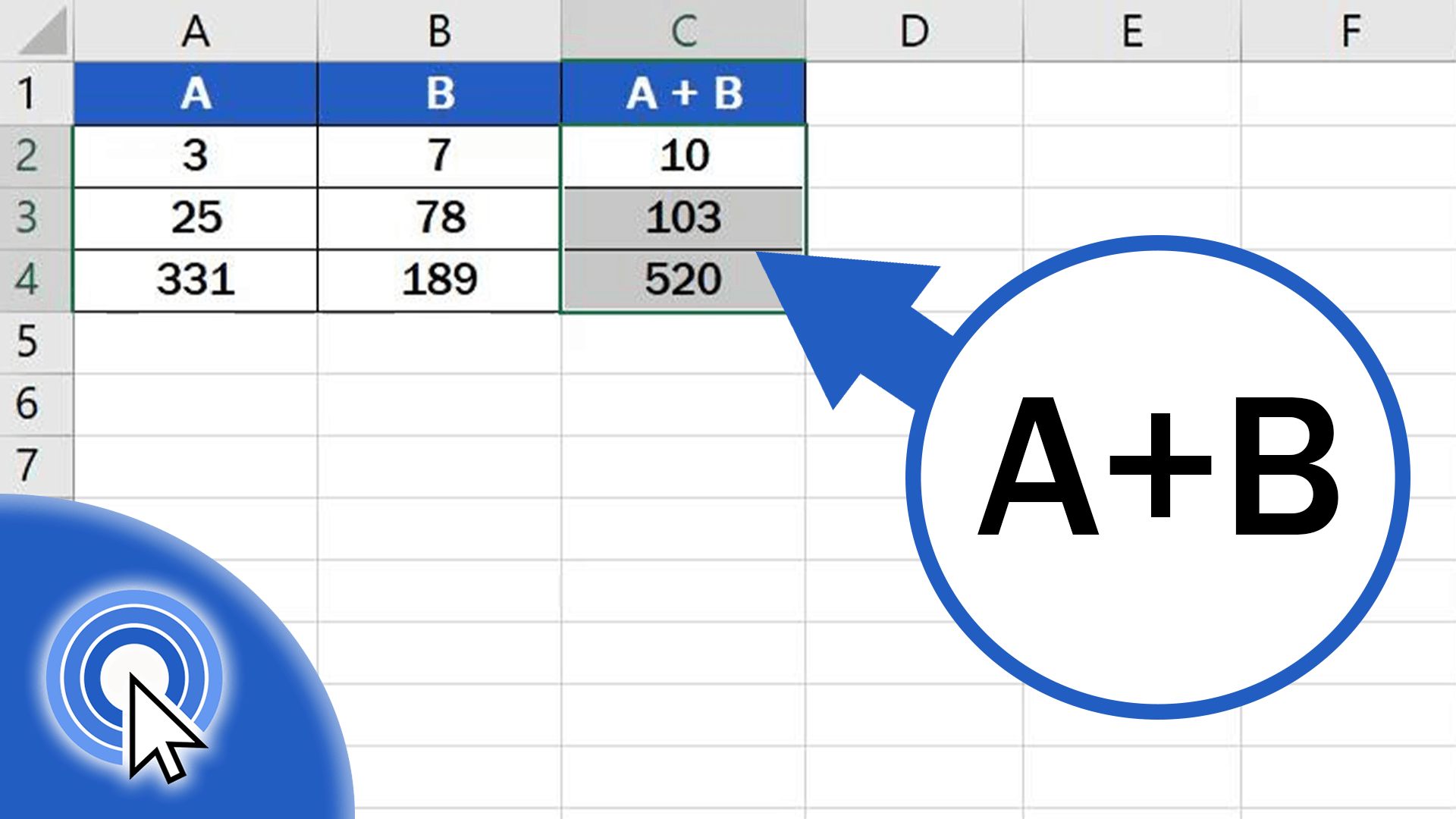
This tutorial will guide you through a simple way how to add numbers in Excel.
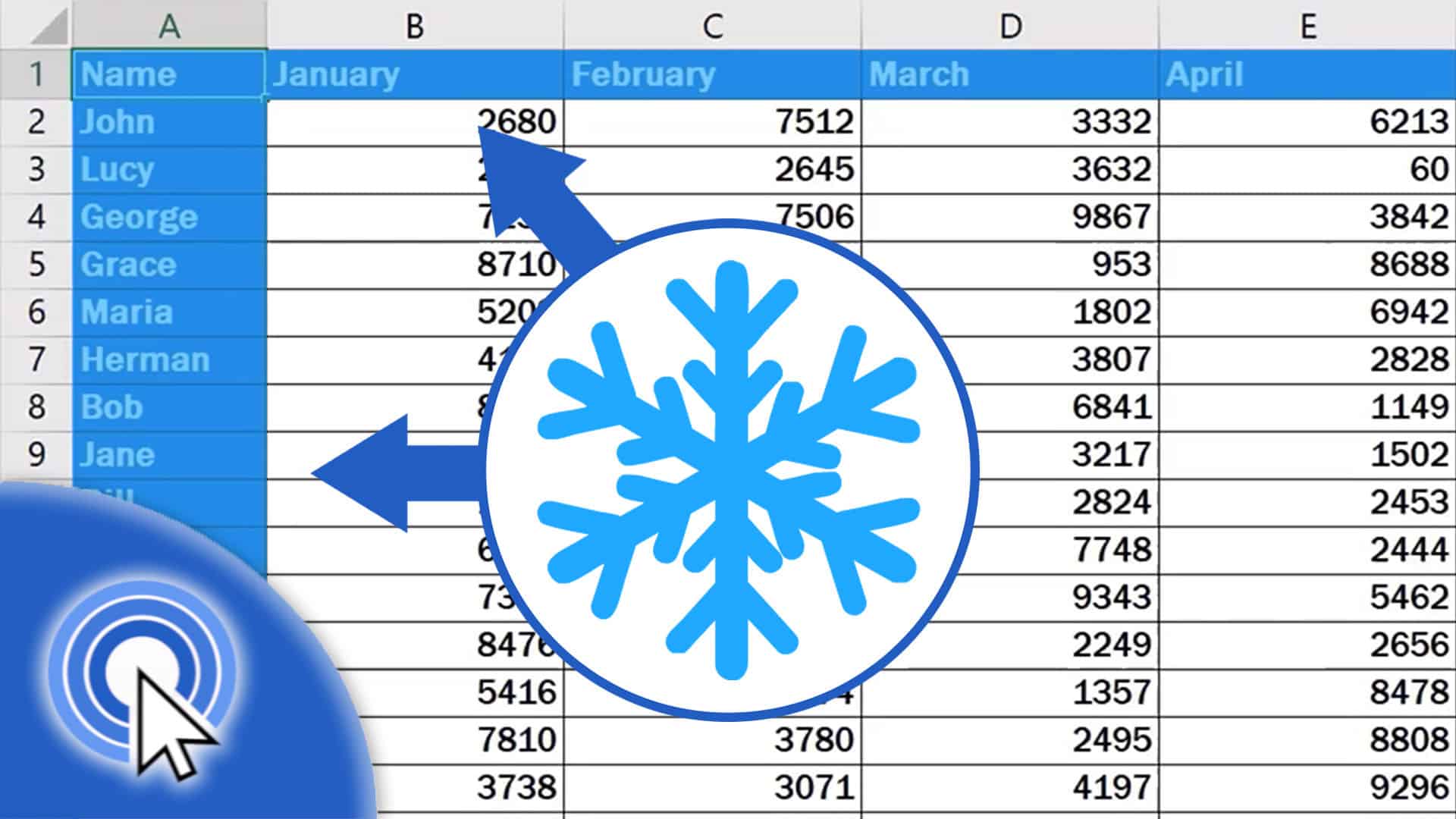
In this short tutorial, you’ll see a simple way how to freeze cells in Excel. You can freeze rows to always see the header of your table when scrolling down the spreadsheet, and we’ll also have a look at how to freeze columns in case you want to lock the first column in its position while you’ll be scrolling across the data in the table.
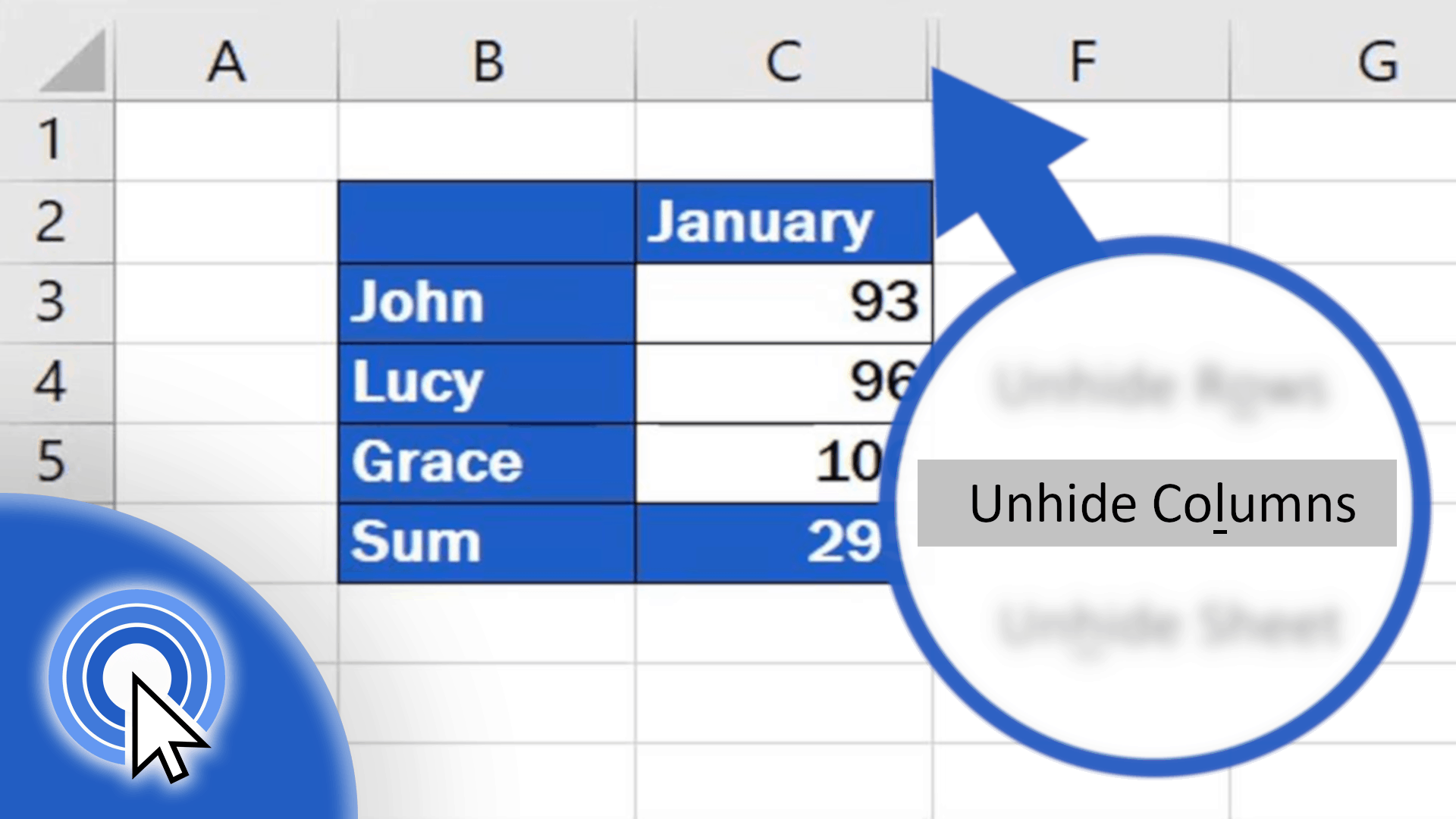
In this tutorial, I’ll show you some easy steps on how to unhide columns in Excel, which will show the data in these columns.
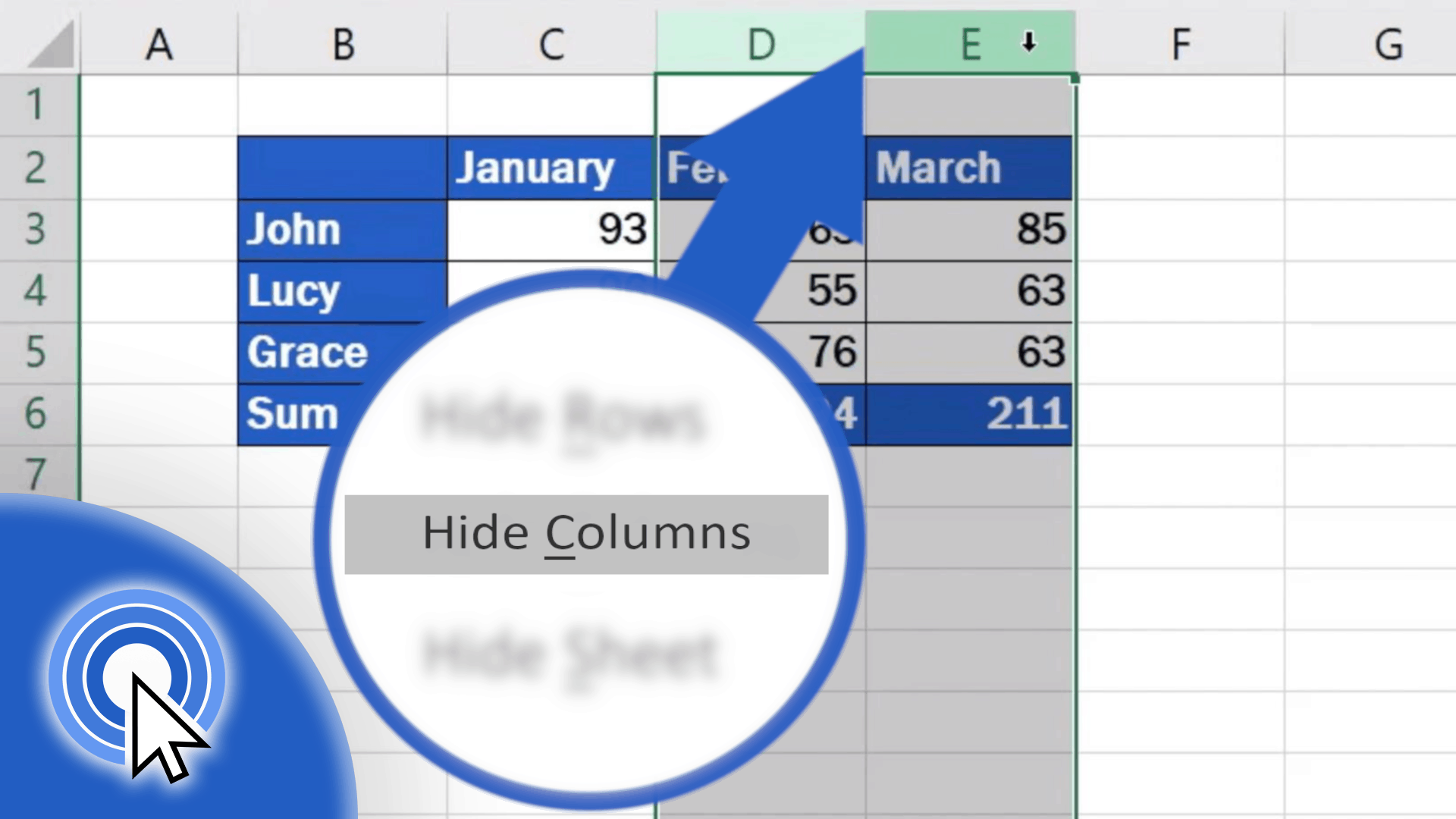
In this short tutorial, we’re gonna have a look at how to hide columns in an Excel spreadsheet – simple and easy! Thanks to this, you’ll be able to hide information you don’t want to share in the table.
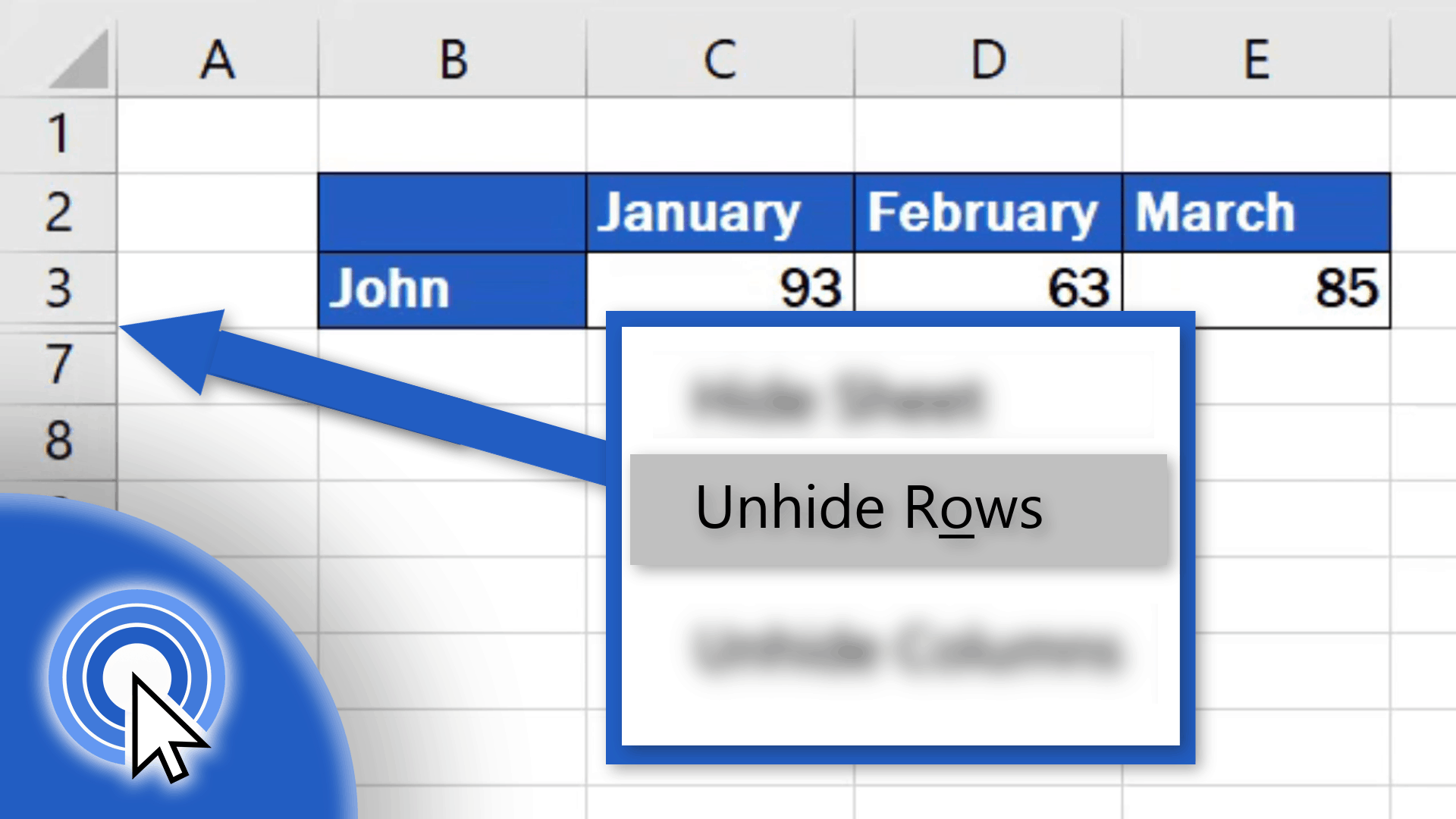
In this tutorial you’ll show you some easy steps how to unhide rows in Excel, which will show the data in these rows.