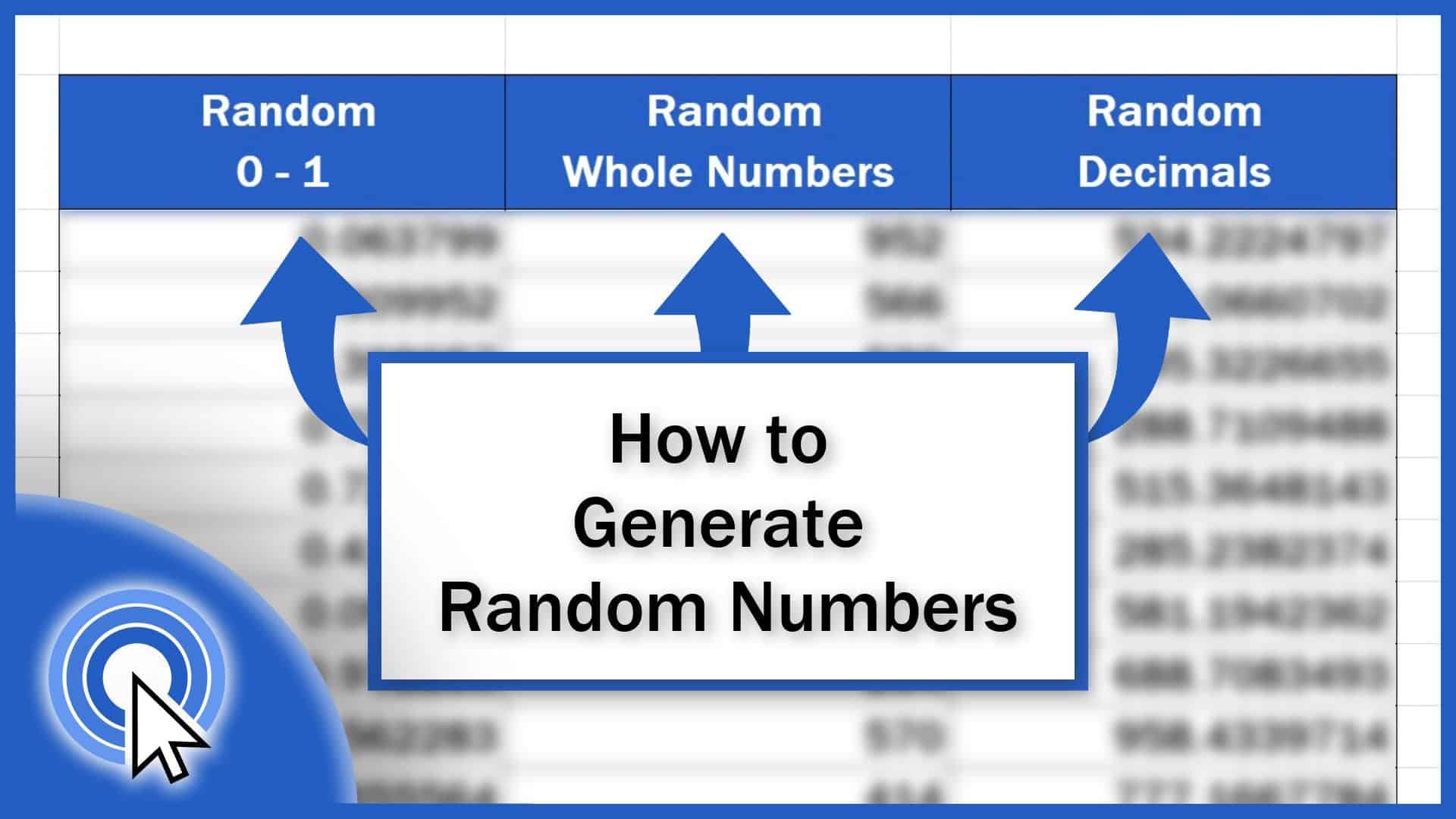
How to Generate Random Numbers in Excel (3 Different Ways)
This tutorial covers how to generate random numbers within any range you define, whether you need to generate whole numbers or decimals.
Microsoft Excel quick and easy
New Excel tutorial every week
This tutorial covers how to generate random numbers within any range you define, whether you need to generate whole numbers or decimals.
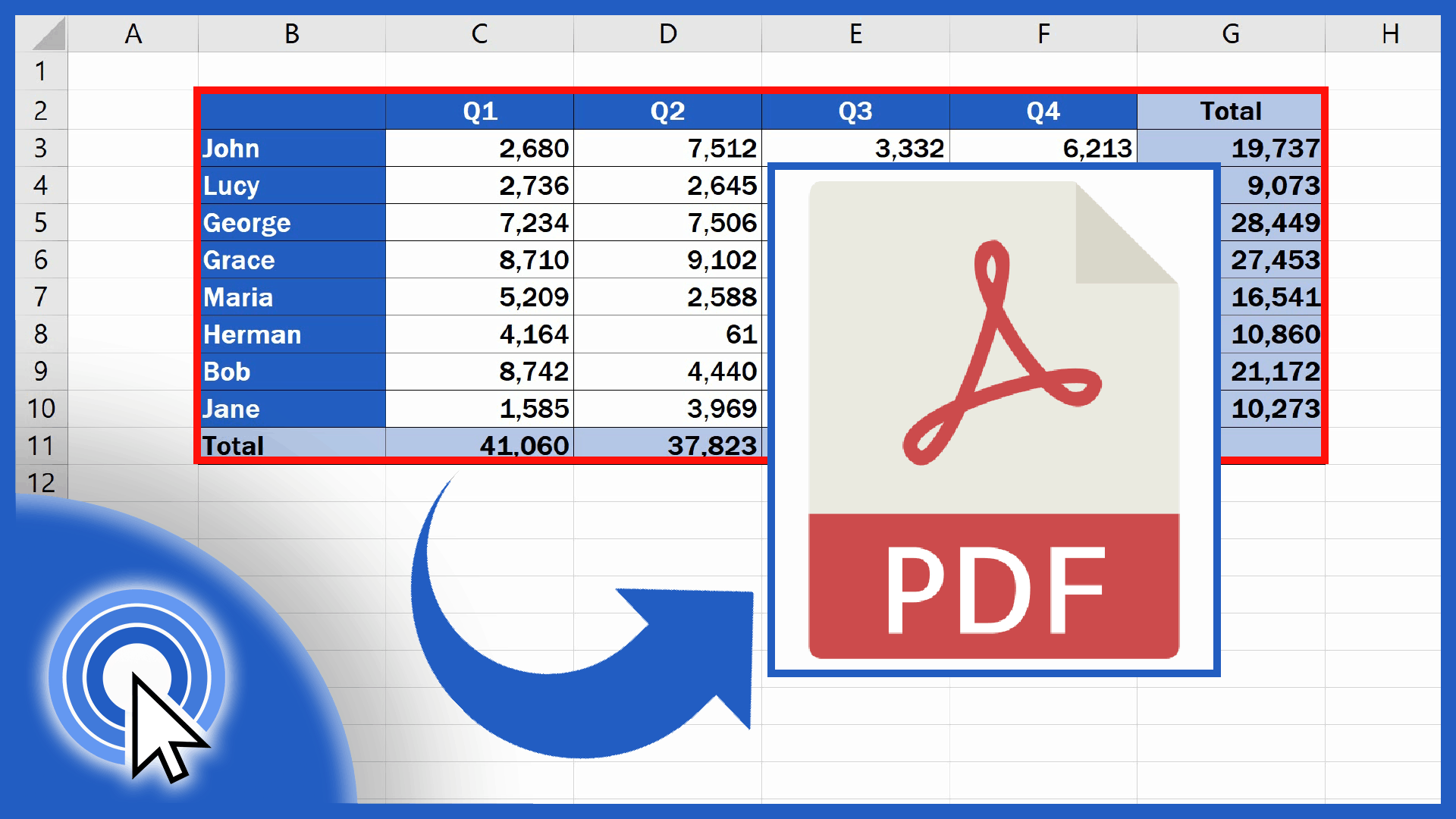
This tutorial is about how to convert an Excel file into PDF conveniently, directly in Excel, so that you wouldn’t need to install any new software.
Learn how to convert PDF to an Excel file. In this tutorial, we’re gonna have a look at how to manage all this, simple and easy.
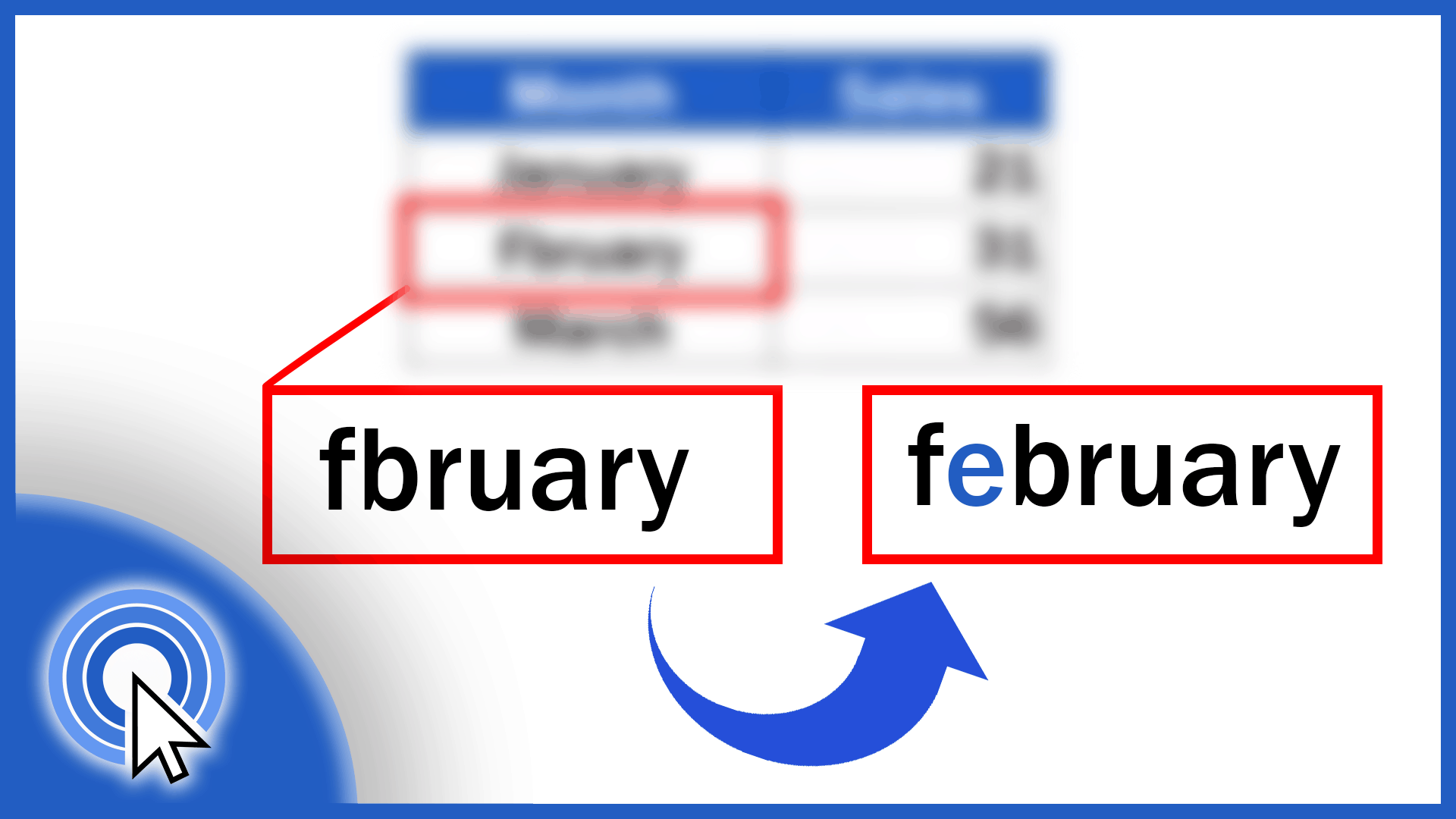
Learn how to use spellcheck function in Excel. It is an invaluable help when it comes to avoiding typos or grammatical issues in texts within data tables.
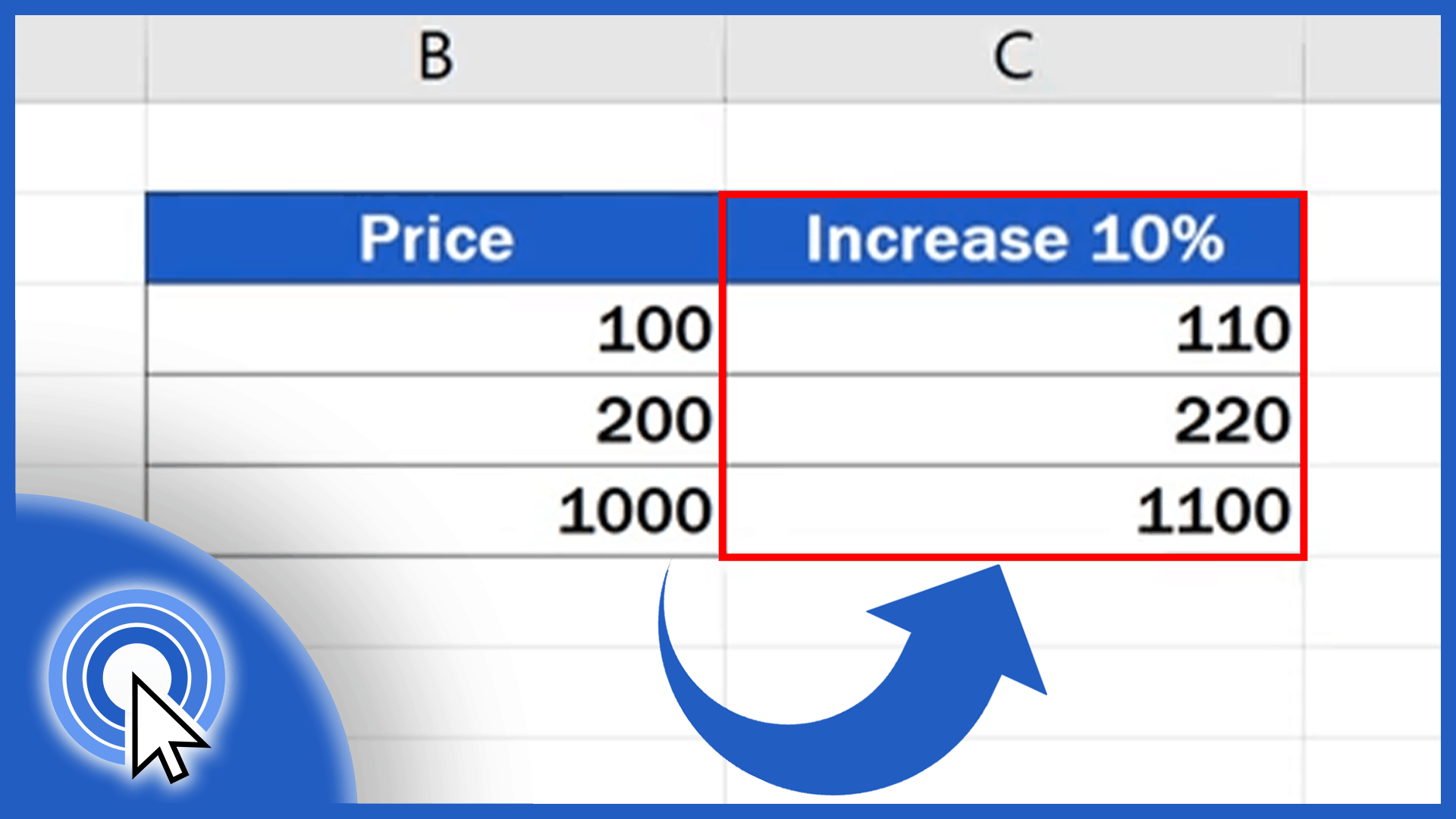
Learn three different ways how to calculate percentage increase in Excel. All of them are correct and can be used interchangeably to get the same result.
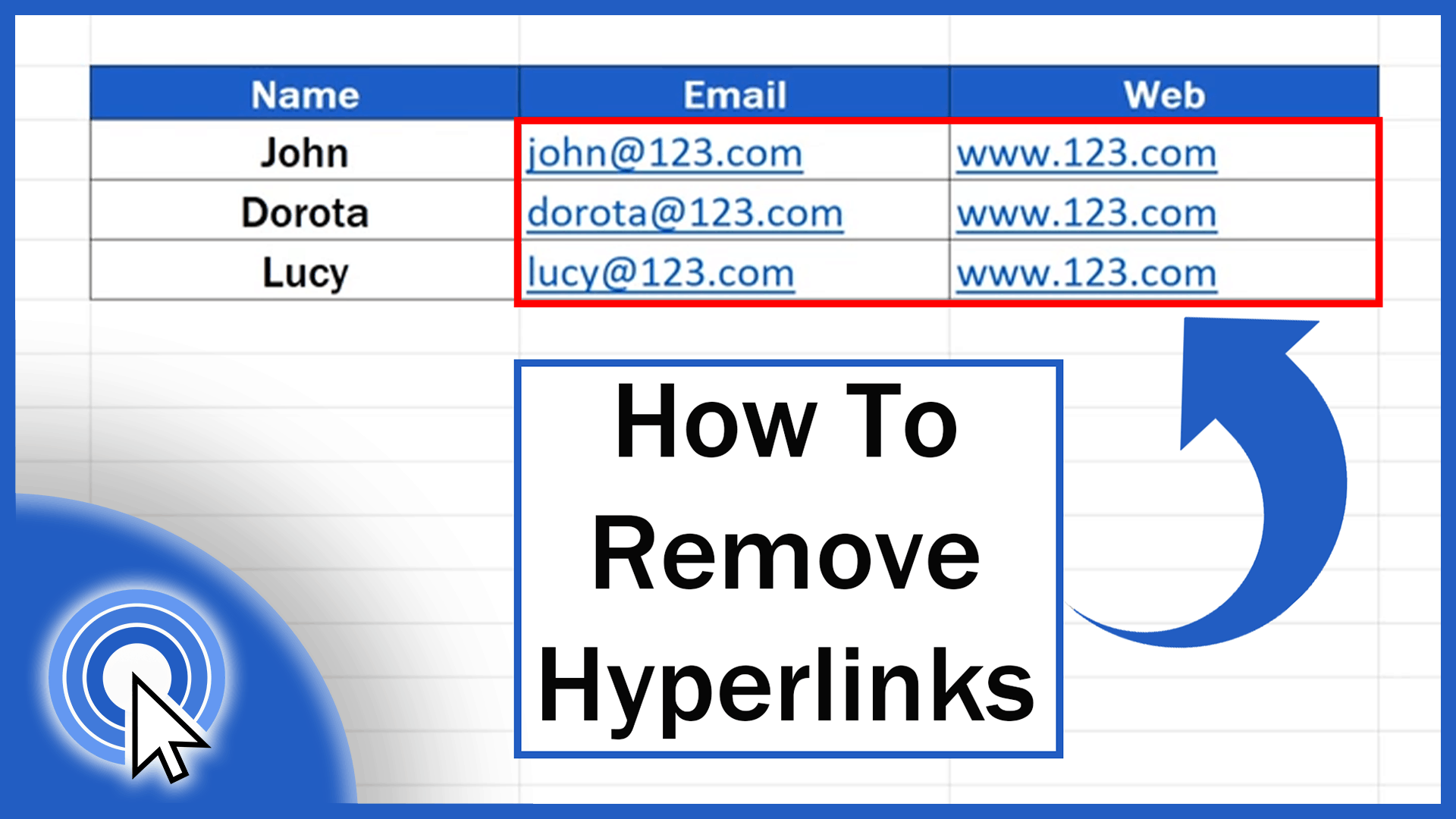
Excel will automatically insert a hyperlink when you enter a website or an email address into a cell. Learn how to remove hyperlinks in Excel easily.
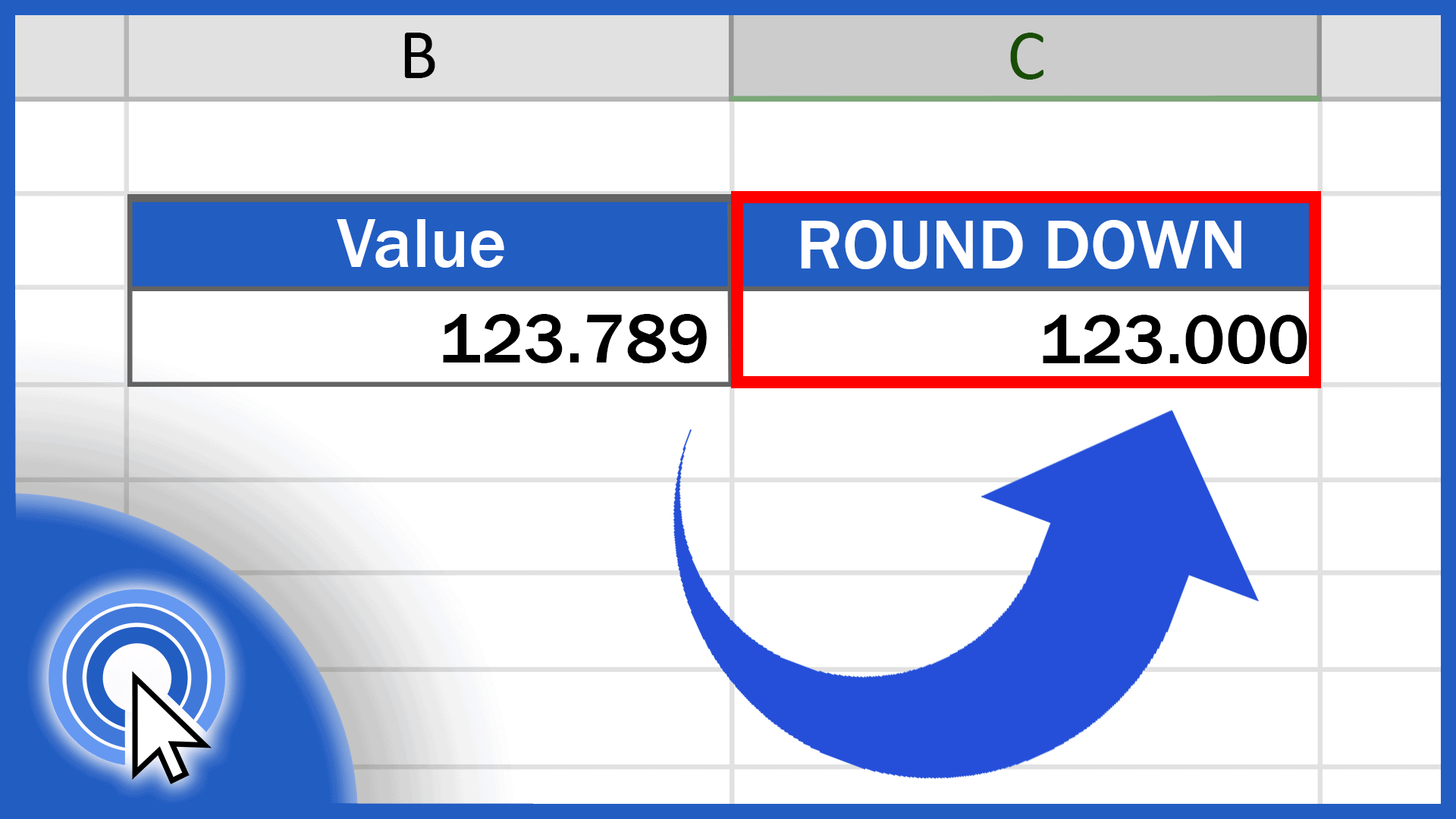
Learn how to round down in Excel in a quick and easy way. Thanks to the ROUND DOWN function, Excel will always round values down, based on the given number of decimal places. Together, we’ll have a look at how to use this function effectively. Let’s start now!
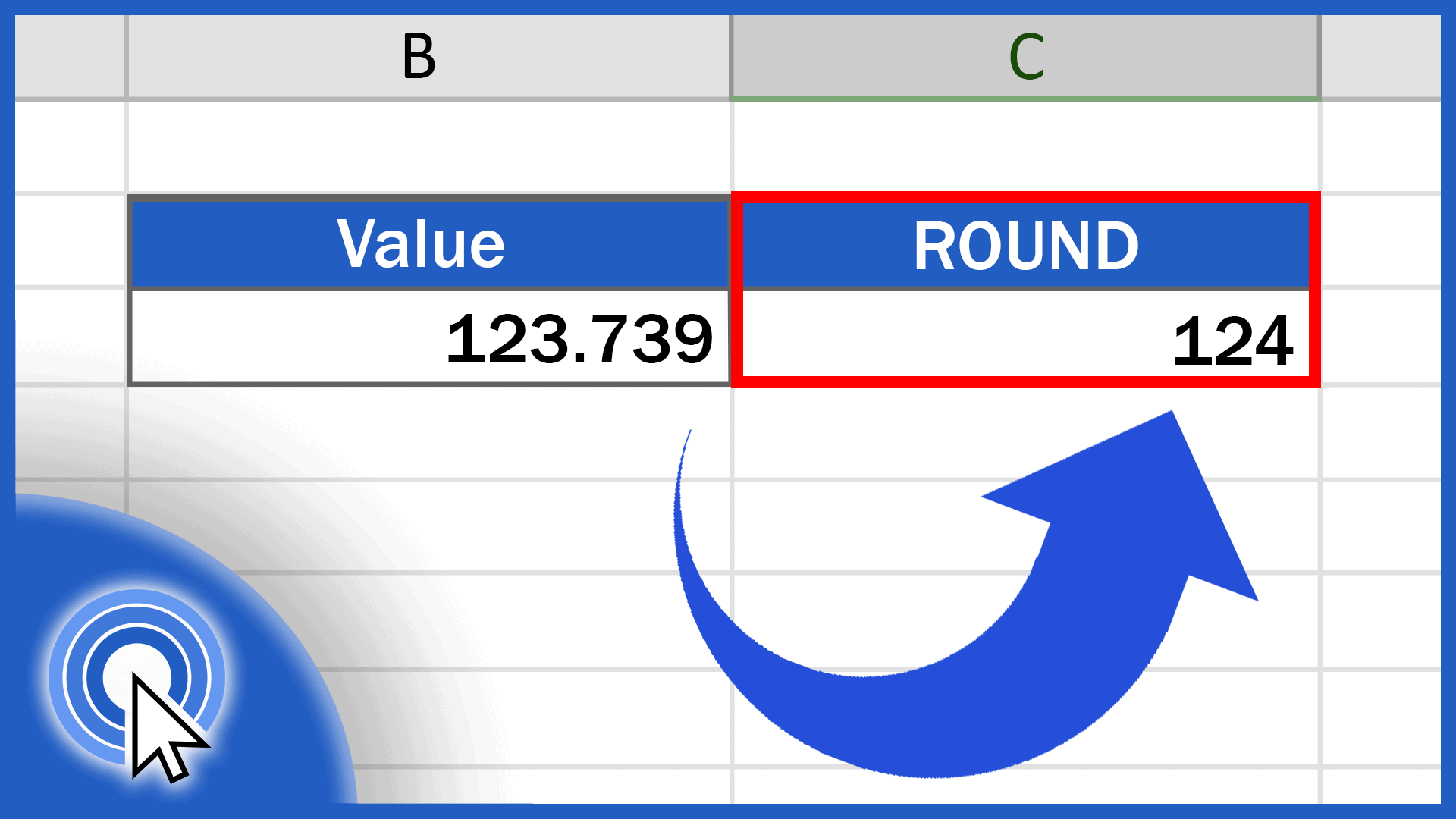
Thanks to the ROUND function, Excel will round values to a given number of decimal places based on the general mathematical rule.
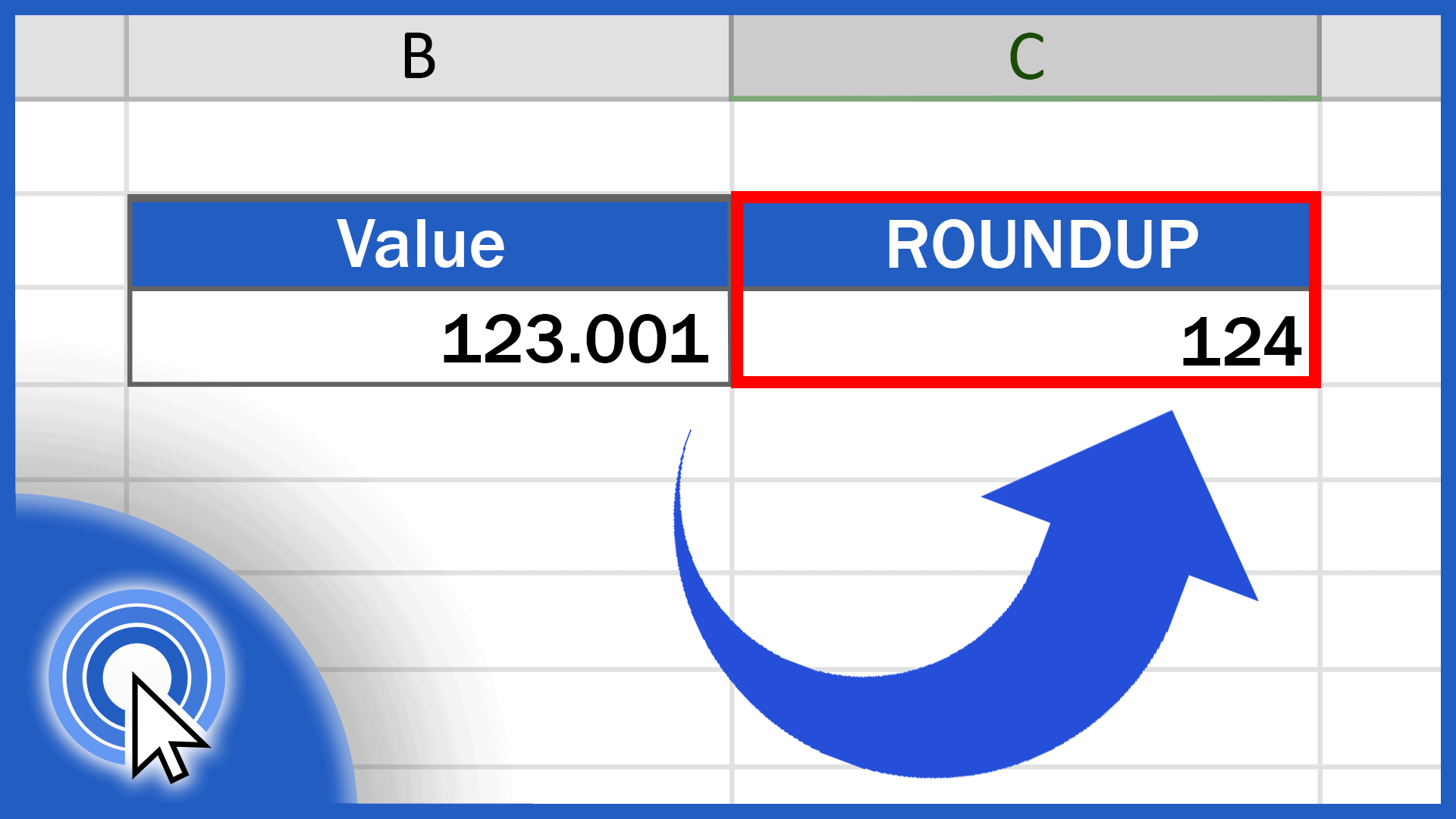
In today’s tutorial, we’re going to talk about numbers, specifically how to round up in Excel. Thanks to the ROUNDUP function, Excel will always round values up, based on the given number of decimal places. Together, we’ll have a look at how to use this function effectively. Let’s start now!
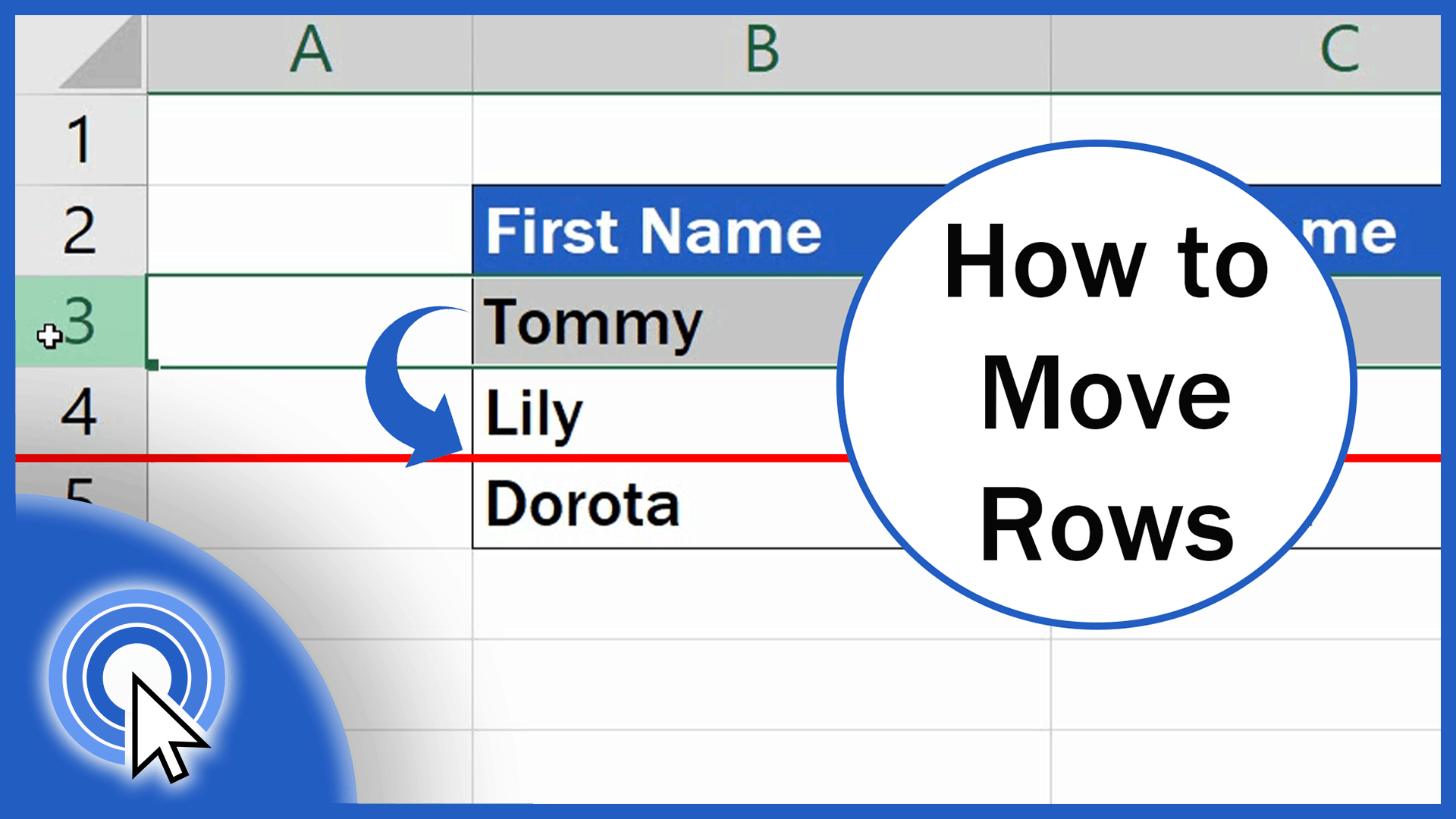
To learn how to move rows in Excel may not be that hard. Actually, what you’ll see here, in this tutorial, is the easiest way. If you’d like to move a row in Excel, you don’t have to go to all the trouble of copying the row, pasting it in the chosen place and then deleting it from the table. Excel offers a great way how to move rows by following a few simple and quick steps. So, here’s the pro tip!