How to Remove a Formula in Excel (The Easiest Way)
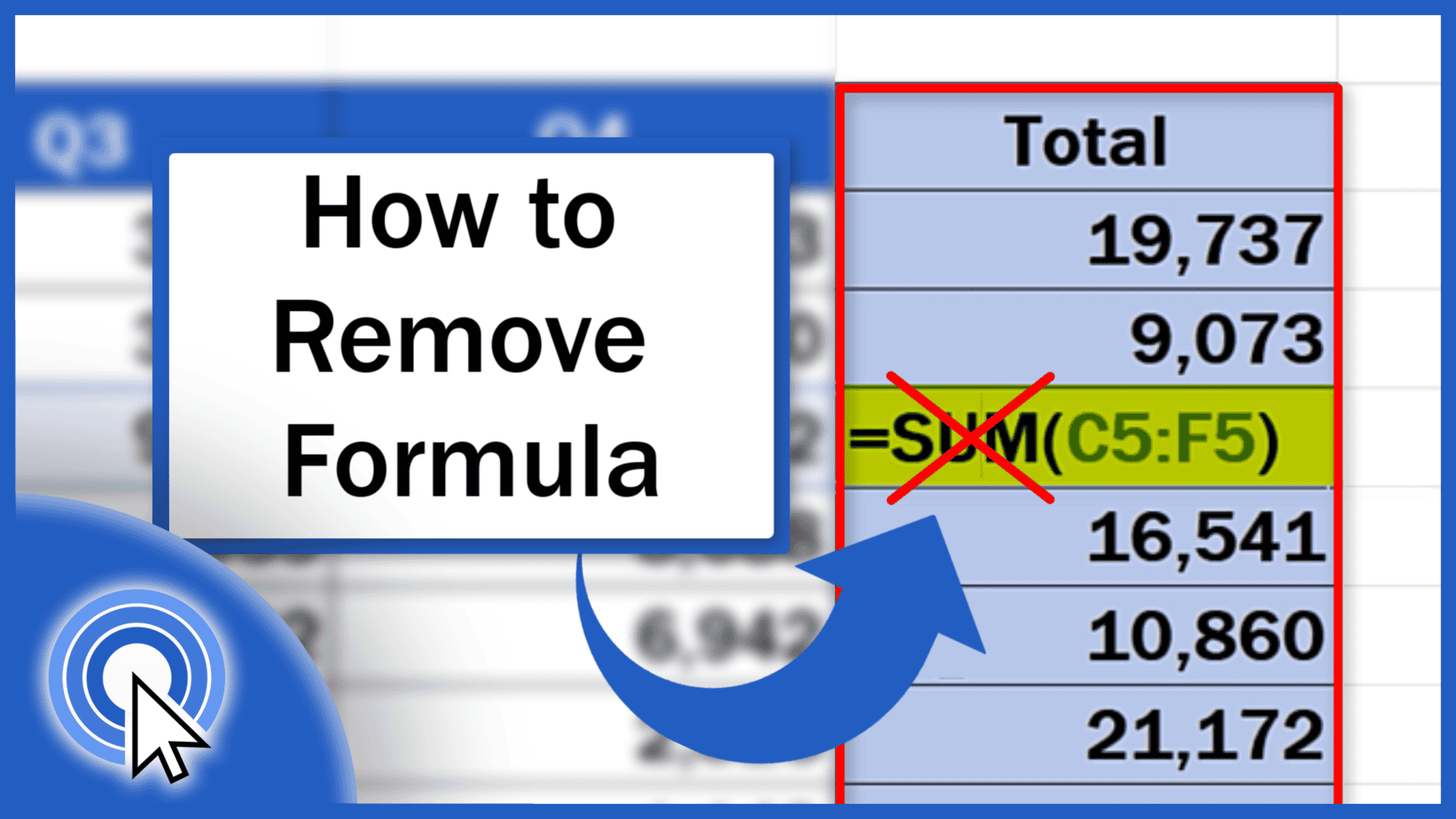
Today we’re going to go through the easiest way how to remove a formula in Excel. First, we’re going to have a look at how to remove a formula in a selected area, for example in a specific column.
Microsoft Excel quick and easy
New Excel tutorial every week
Today we’re going to go through the easiest way how to remove a formula in Excel. First, we’re going to have a look at how to remove a formula in a selected area, for example in a specific column.
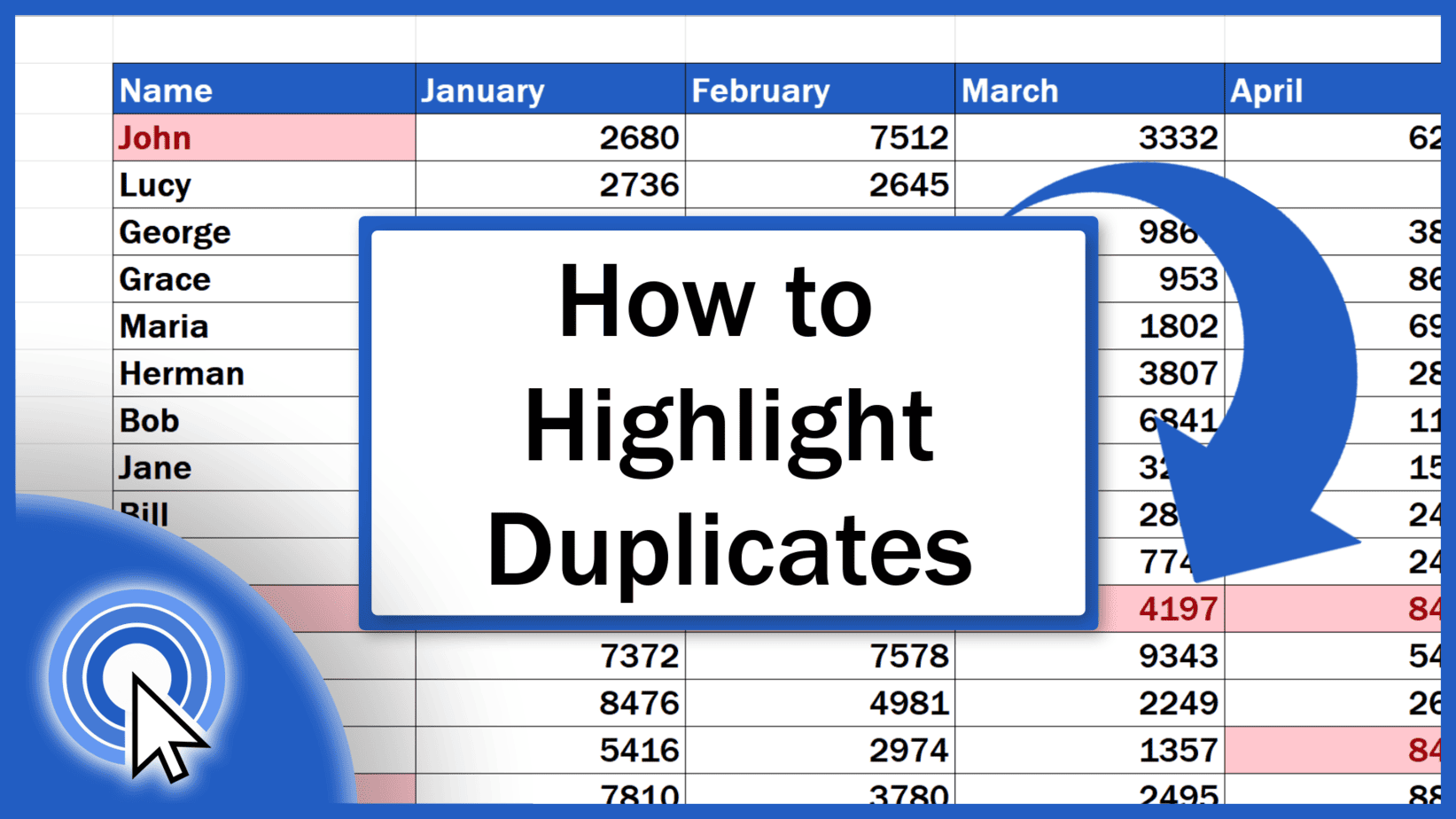
In this tutorial we’re going to have a look at how to highlight duplicates in Excel in a column, multiple columns or, if needed, throughout a data table of any size.
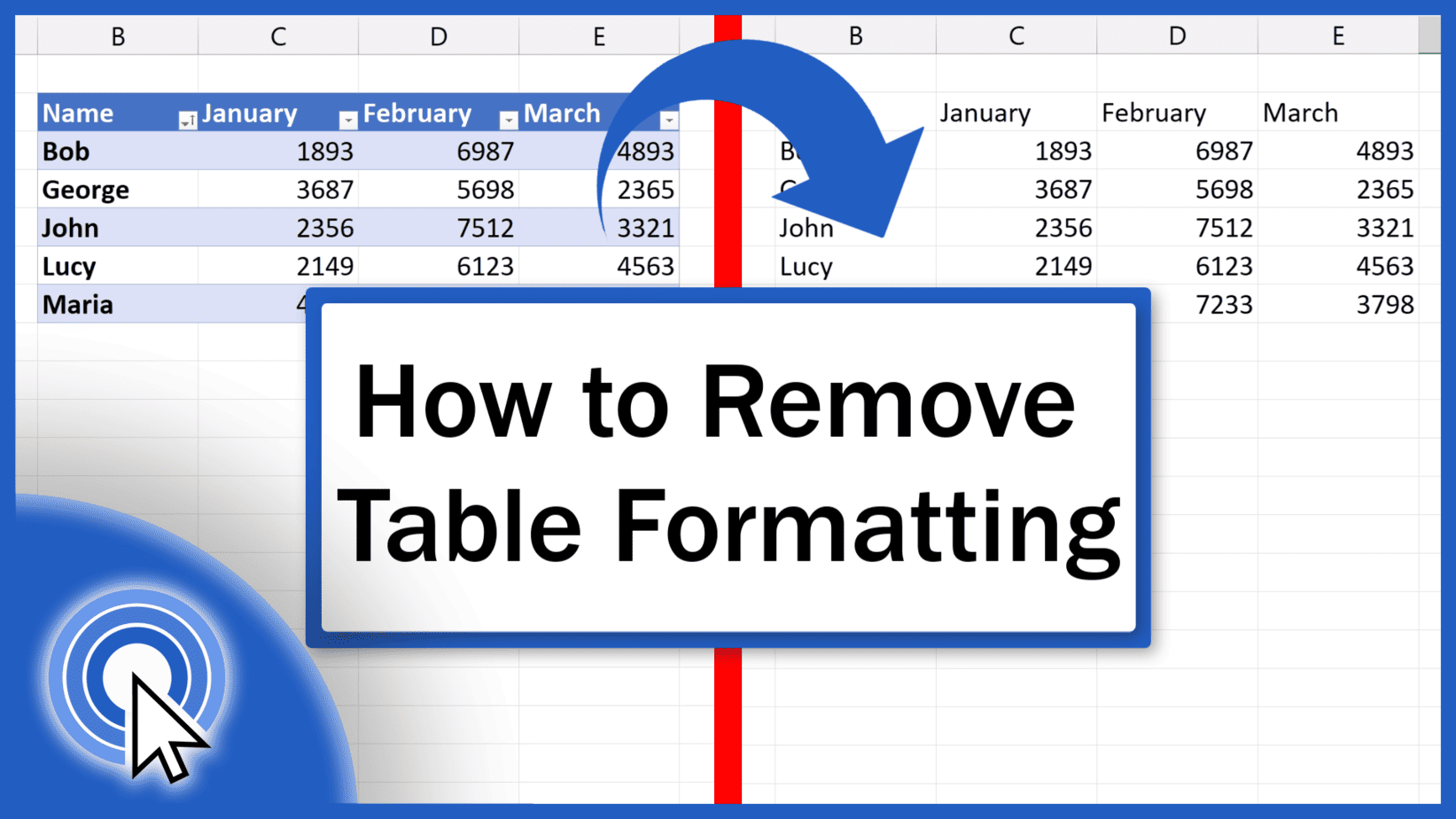
Today’s tutorial talks about how to remove table formatting in Excel on three different levels. Ready to start?
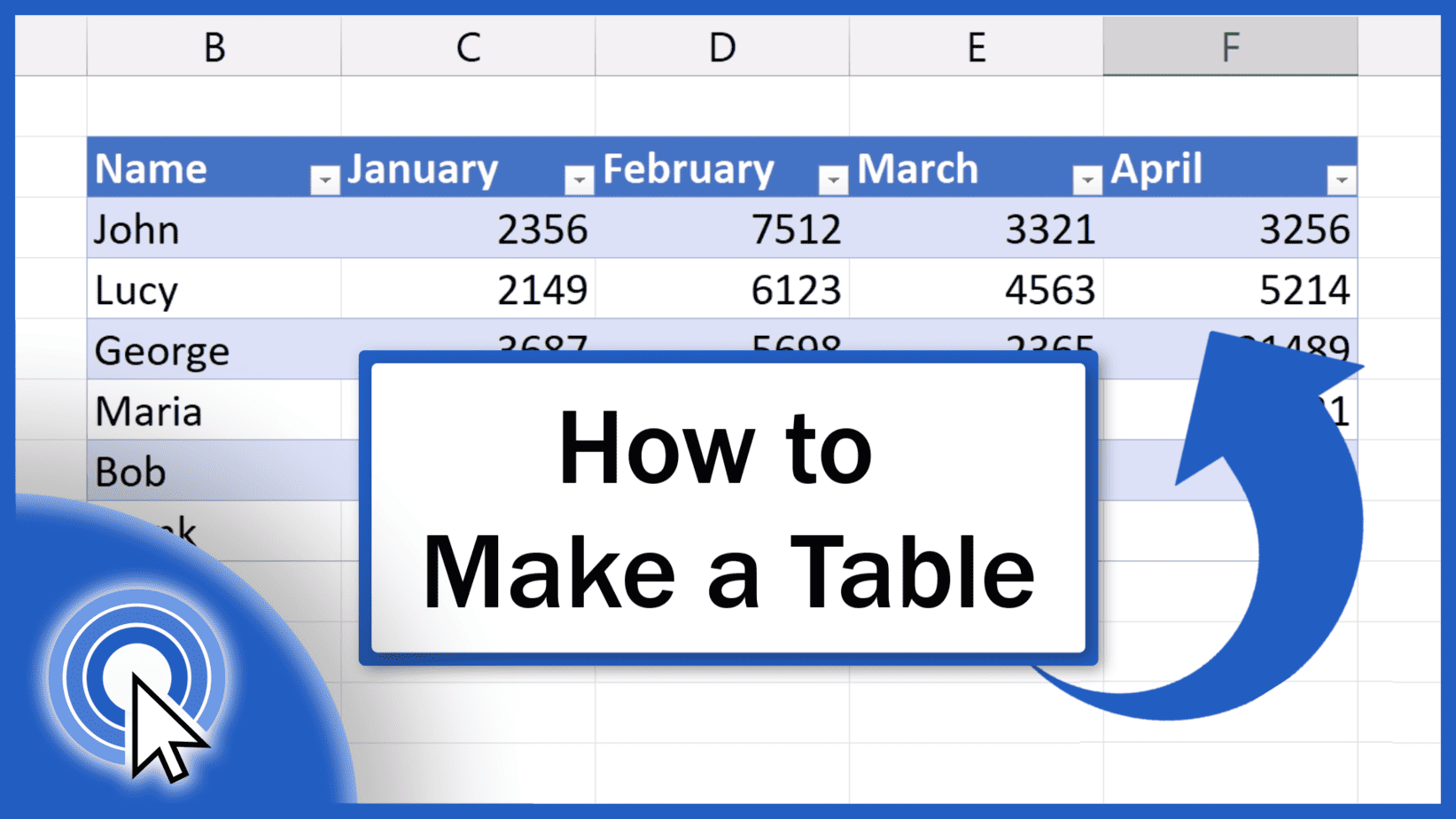
In this tutorial, we’re going to have a look at how to make a table in Excel. Thanks to the function ‘Format as Table.
Today we’re going to talk about how to find out the number of rows and columns in a spreadsheet. And not only that.
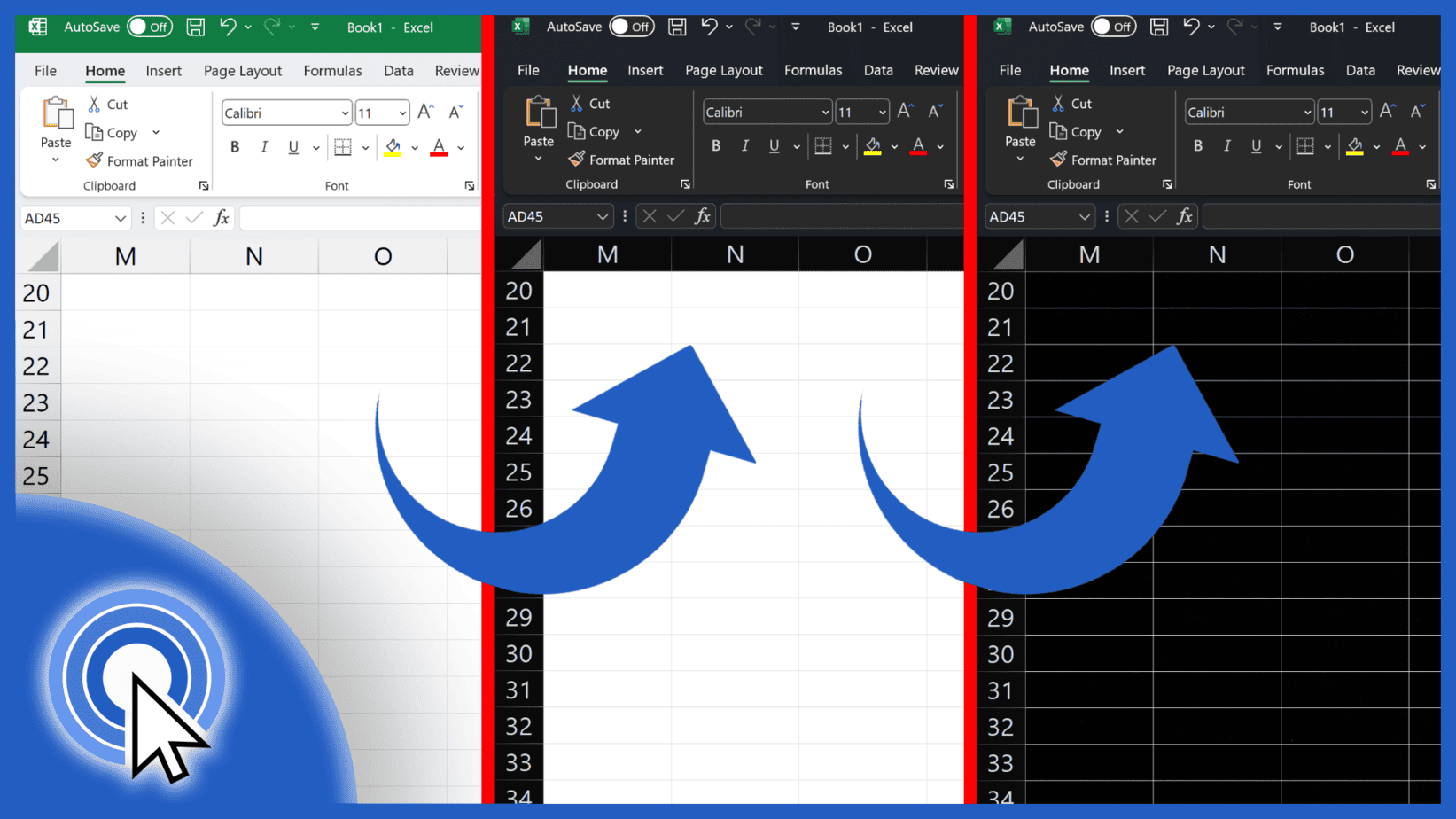
This tutorial is about how to enable dark mode in Excel. You’ll see how to switch to dark mode and use the ribbon, all the bars and headers or even the whole worksheet in dark colours.
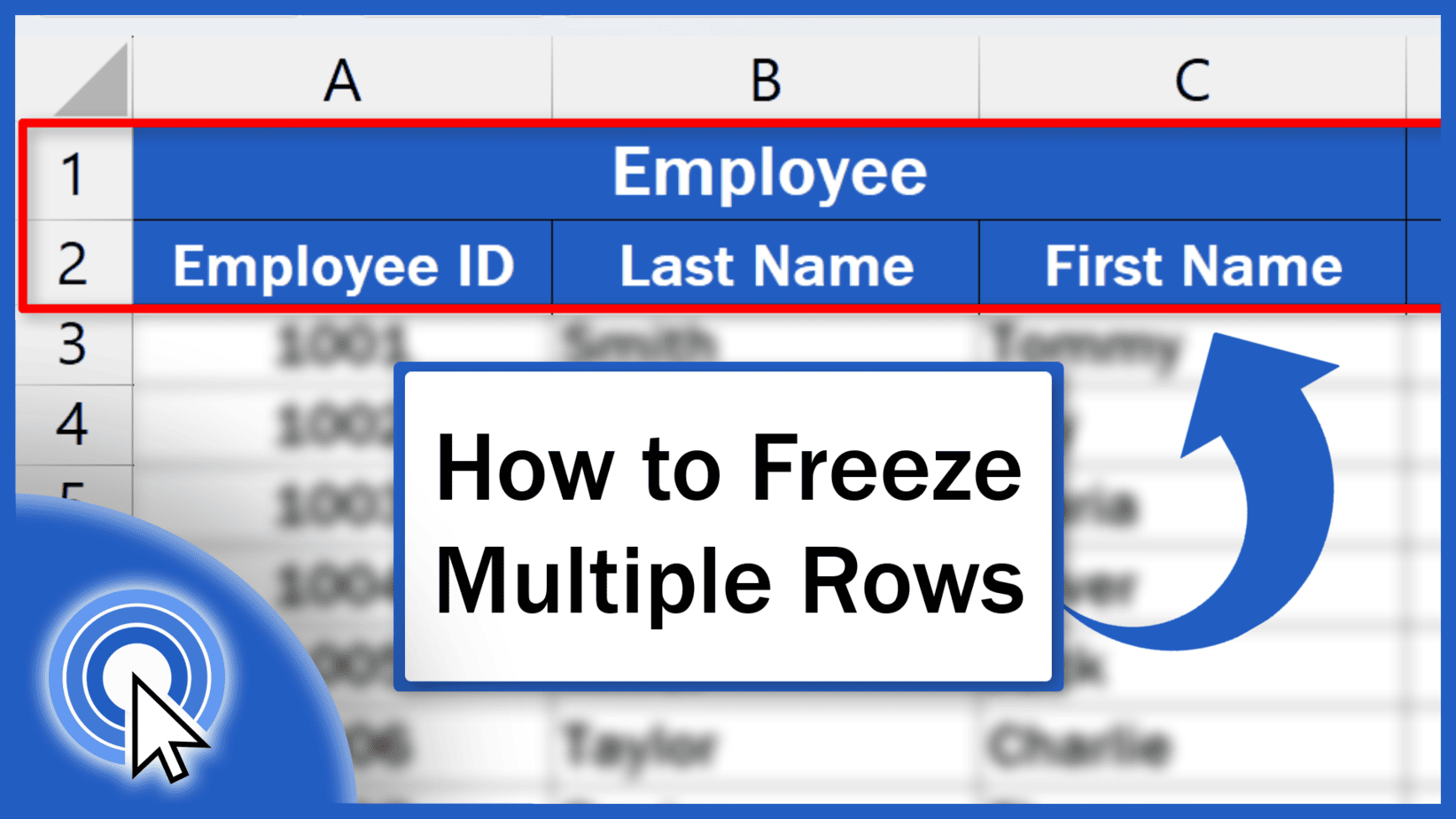
Today we’ll have a look at how to freeze multiple rows in Excel, specifically, how to freeze and unfreeze the first two rows.
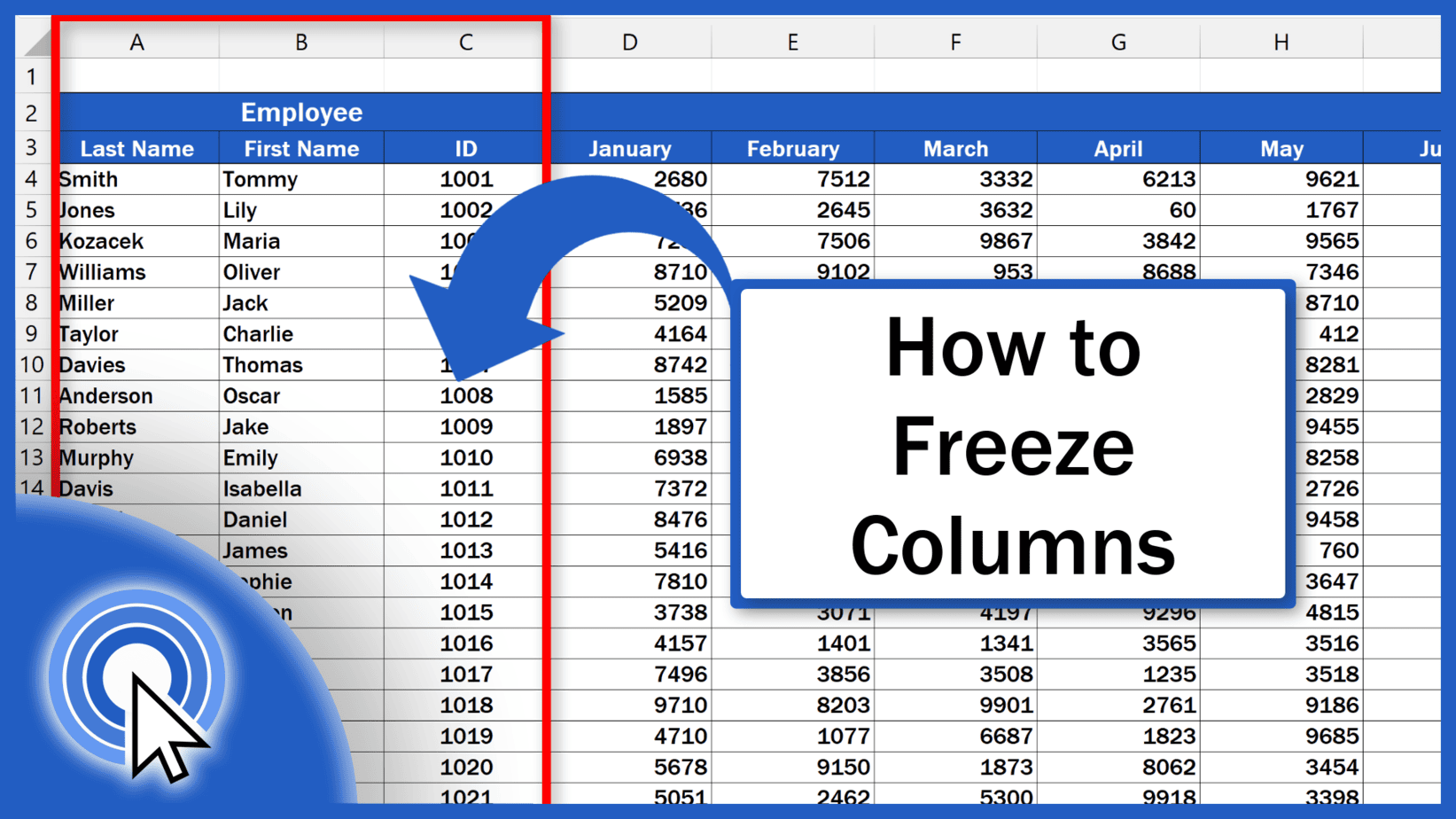
In this tutorial we’re going to talk about how to freeze single or multiple columns in Excel.
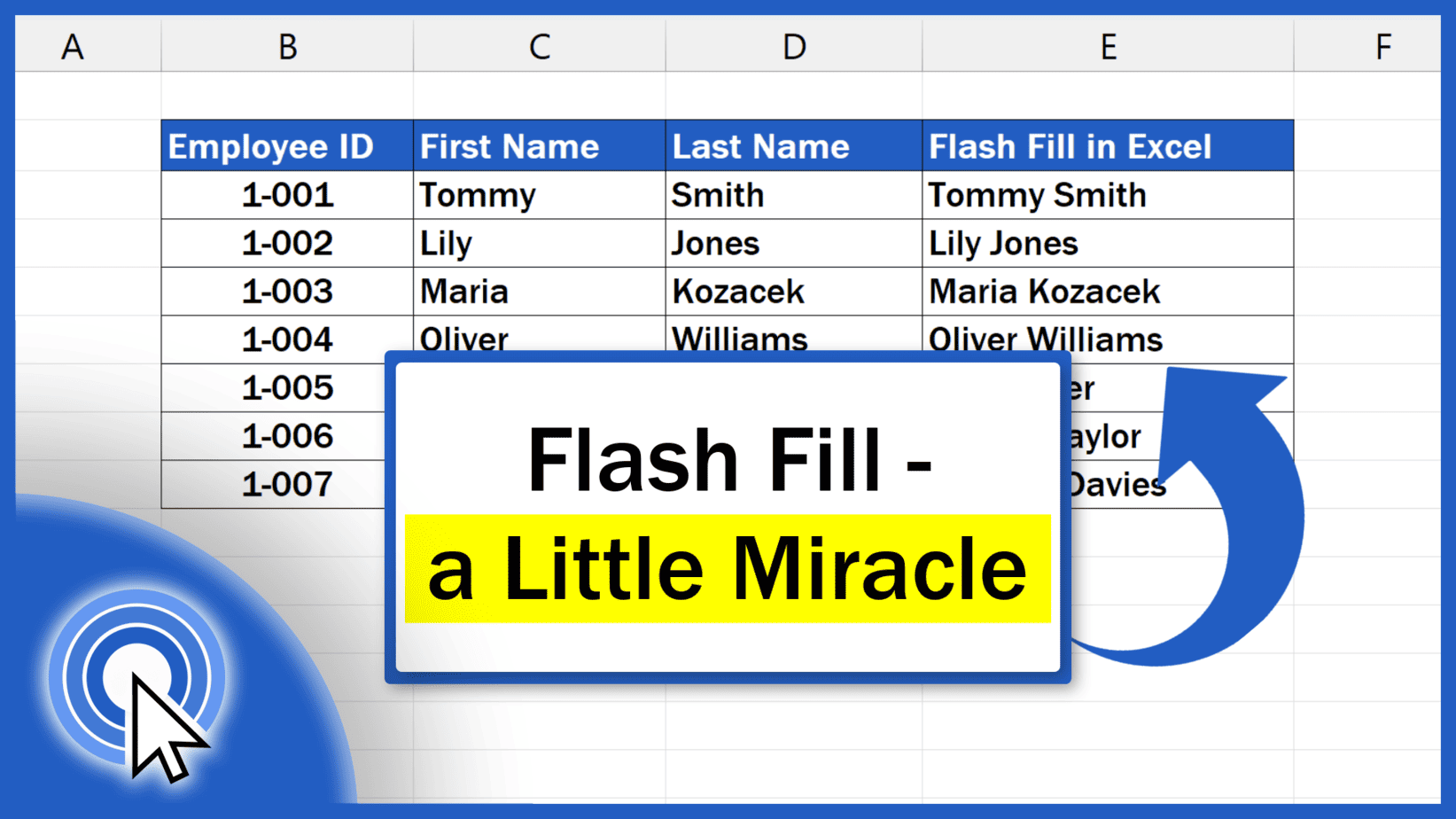
Today we’ll be talking about how to use Flash Fill in Excel. This little miracle among functions can recognise a pattern and based on this, fill in missing data automatically, so you won’t have to enter them manually nor use complicated formulas. Flash Fill will do it for you making it a real time-saver. Let’s see how it...
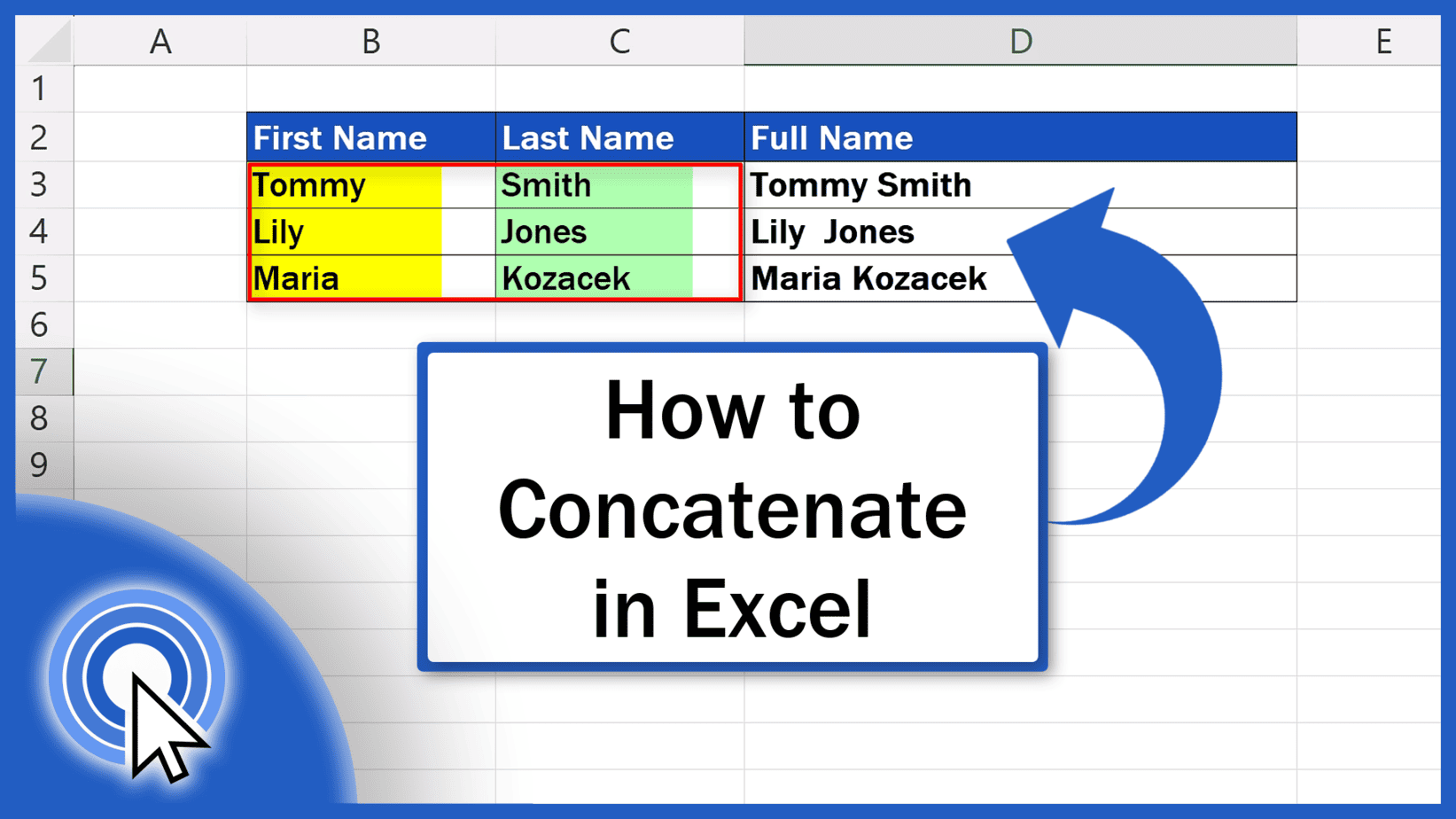
In this tutorial we’re going to talk about how to concatenate in Excel. Thanks to this function, you’ll be able to link the contents of several different cells.