How to Insert Image in Excel Cell (Correctly)
In this tutorial, you’ll learn how to insert an image in an Excel cell, in the right way. Each image inserted in the Excel sheet will be placed nice and neat within its target cell.
Microsoft Excel quick and easy
New Excel tutorial every week
In this tutorial, you’ll learn how to insert an image in an Excel cell, in the right way. Each image inserted in the Excel sheet will be placed nice and neat within its target cell.

This tutorial shows how to calculate the difference between two dates in Excel. At the end, you’ll be able to conveniently use Excel formulas to figure out the exact number of years, months and days passed between two dates.
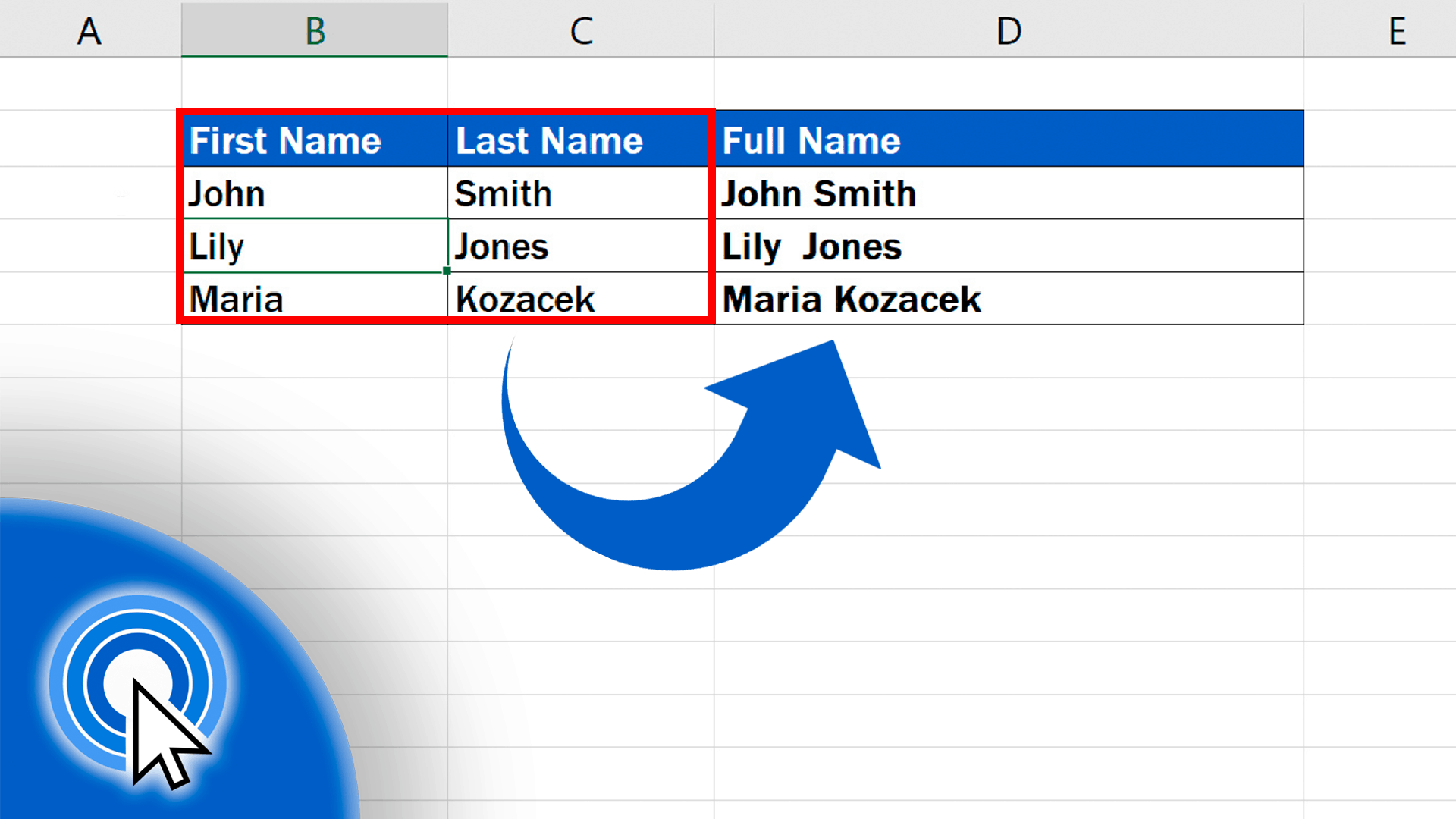
In this tutorial, we’ll have a look at how to combine the contents of two cells – in this case a first name and a family (or last) name – thanks to which we’ll have a full name merged in one cell.
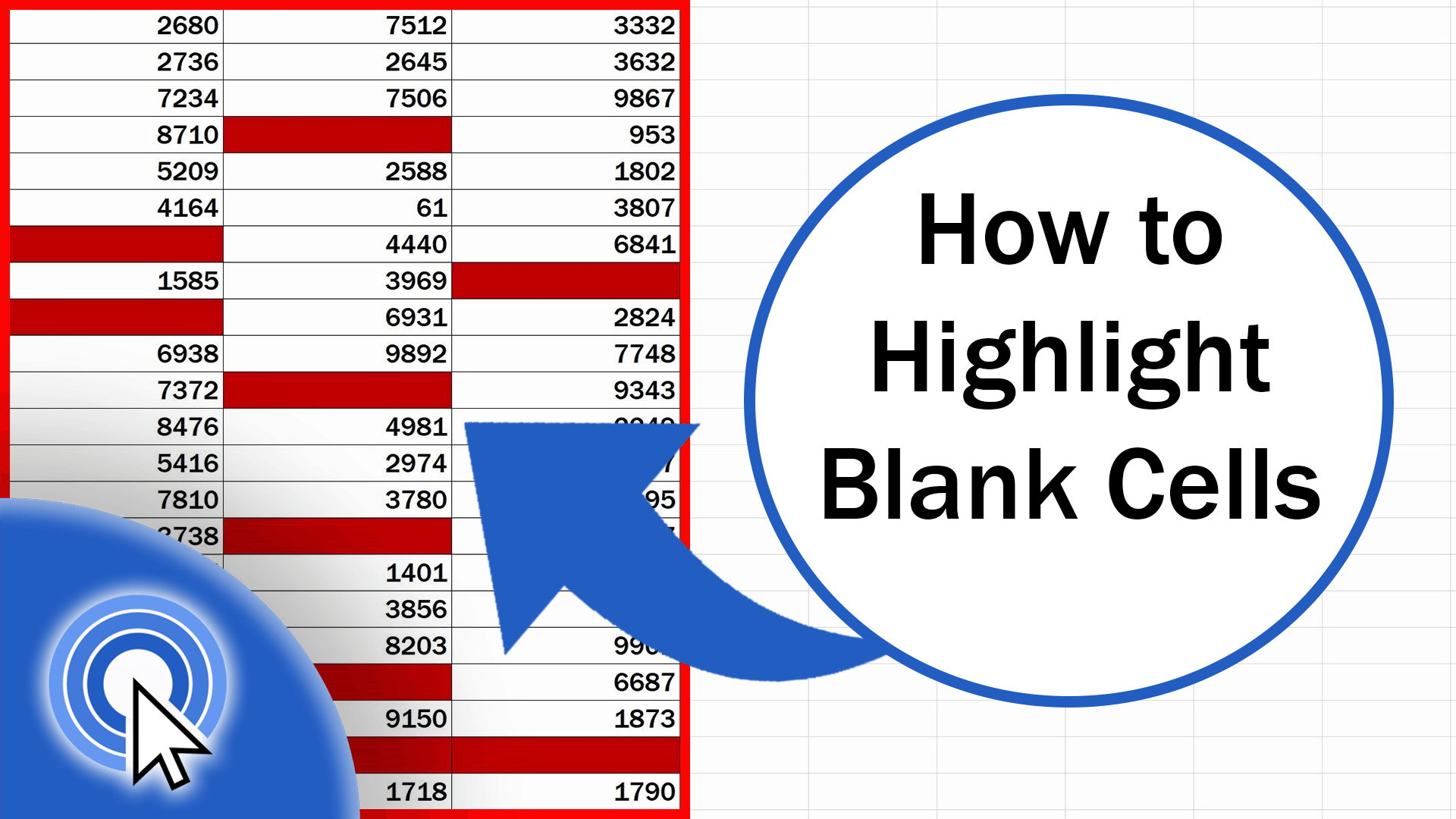
In this tutorial, you’ll see how to highlight blank cells in Excel. Thanks to this function, you’ll be able to mark clearly all cells containing no data in a table of any size.
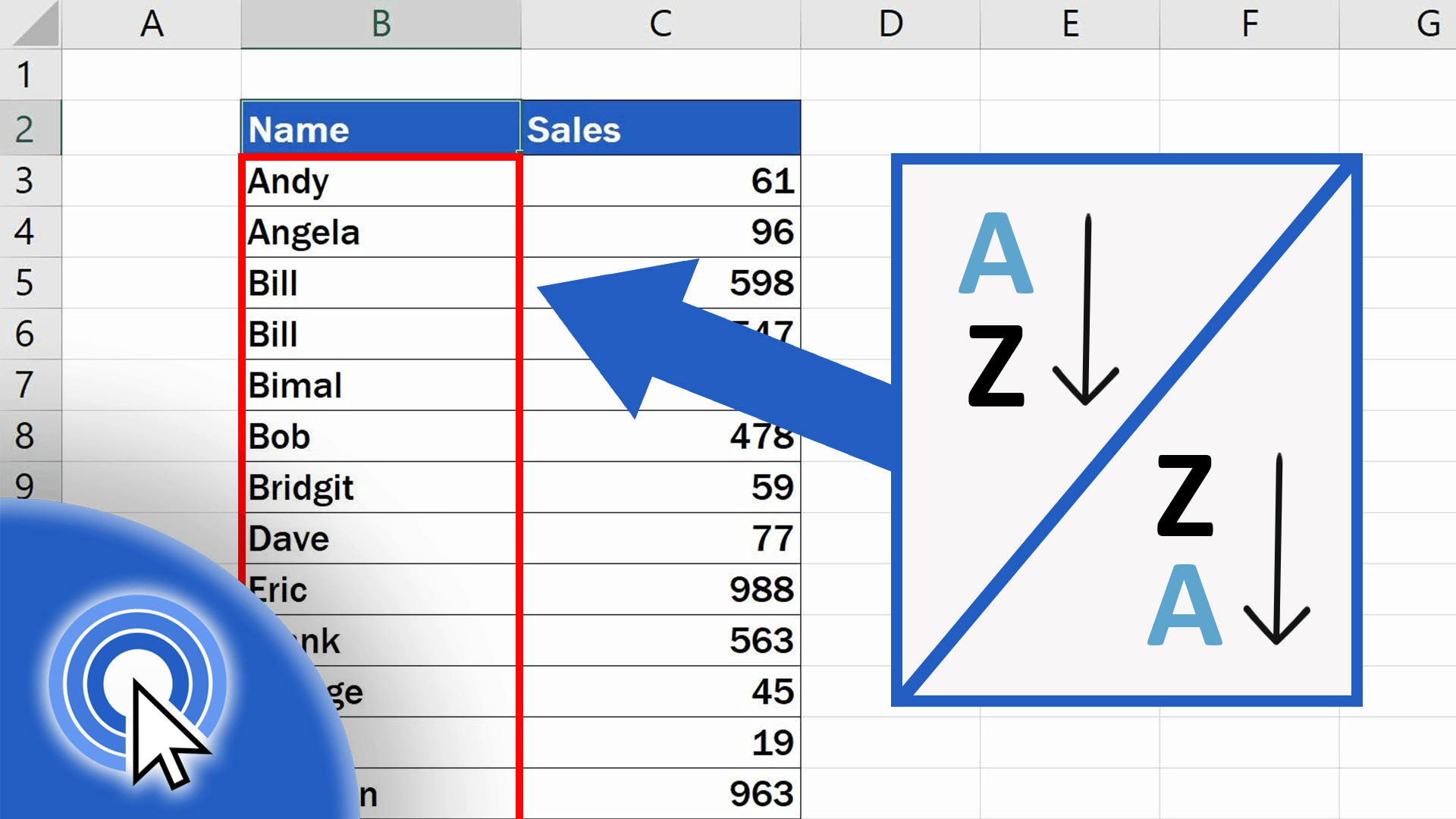
If you’re wondering how to sort data alphabetically in Excel, you’re in the right place! We’ll be talking about a function which you can use to sort a list of employees’ names, products, or any other list you need.

As promised, this tutorial will go through how to remove blank rows in Excel and make sure no data is lost whatsoever. And even though it’s advanced, it won’t give you much headache.
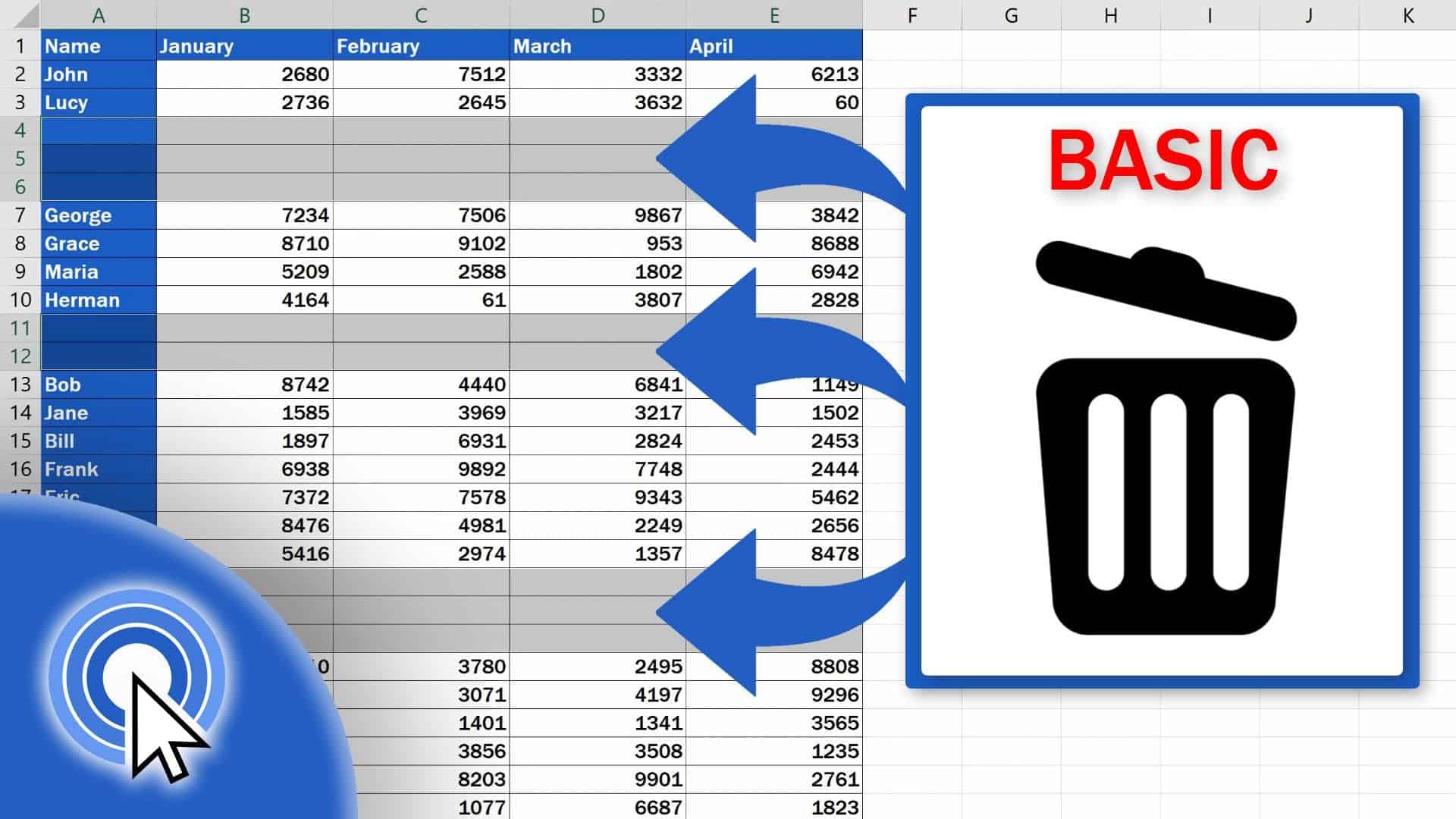
In this tutorial, we’re gonna have a look at how to remove blank rows from a table of any size in a couple of seconds. This way, you’ll make the spreadsheet look neat and data in it organized.
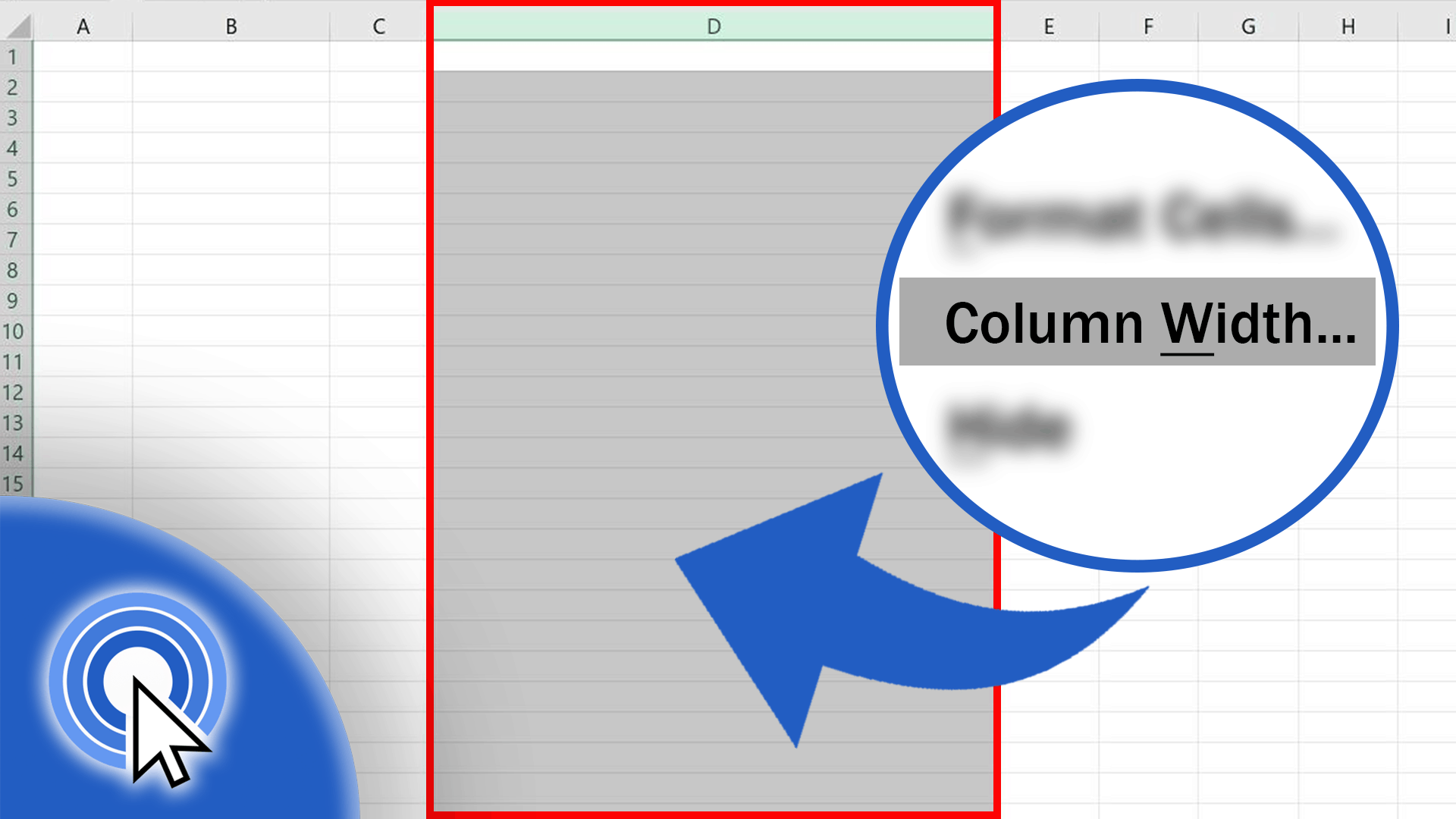
In this tutorial, we’ll cover how to change the width of a column in Excel in a super easy way.

In this tutorial, we’ll cover how to change the height of a row in Excel in a super easy way.

Today’s tutorial will guide you through several simple steps to see how to separate names in Excel no matter the size of the table you’re working with.