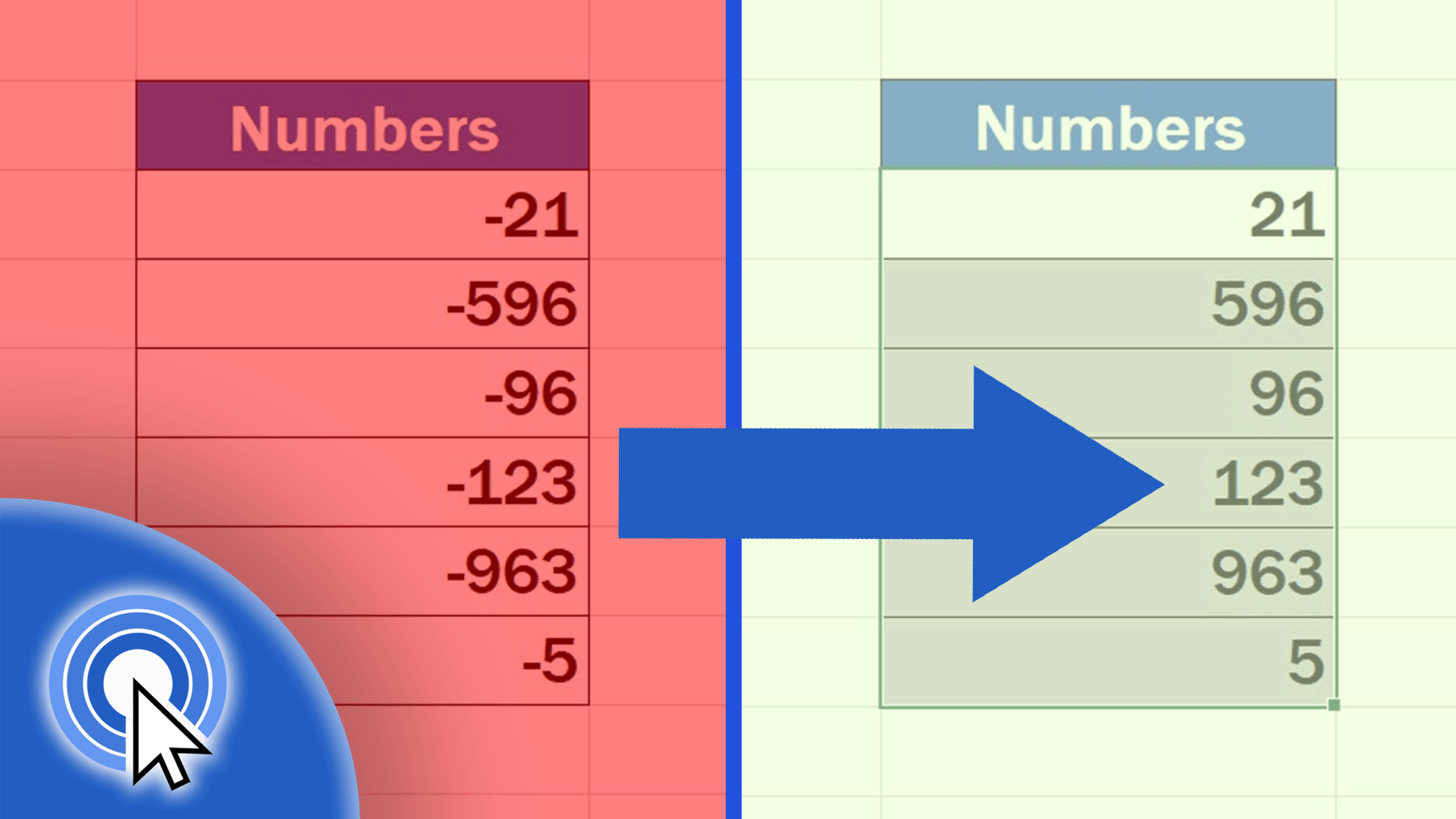
How to Change Negative Numbers to Positive in Excel
In this video tutorial, you’ll see how to change negative numbers to positive in Excel in a quick and easy way.
Microsoft Excel quick and easy
New Excel tutorial every week
In this video tutorial, you’ll see how to change negative numbers to positive in Excel in a quick and easy way.
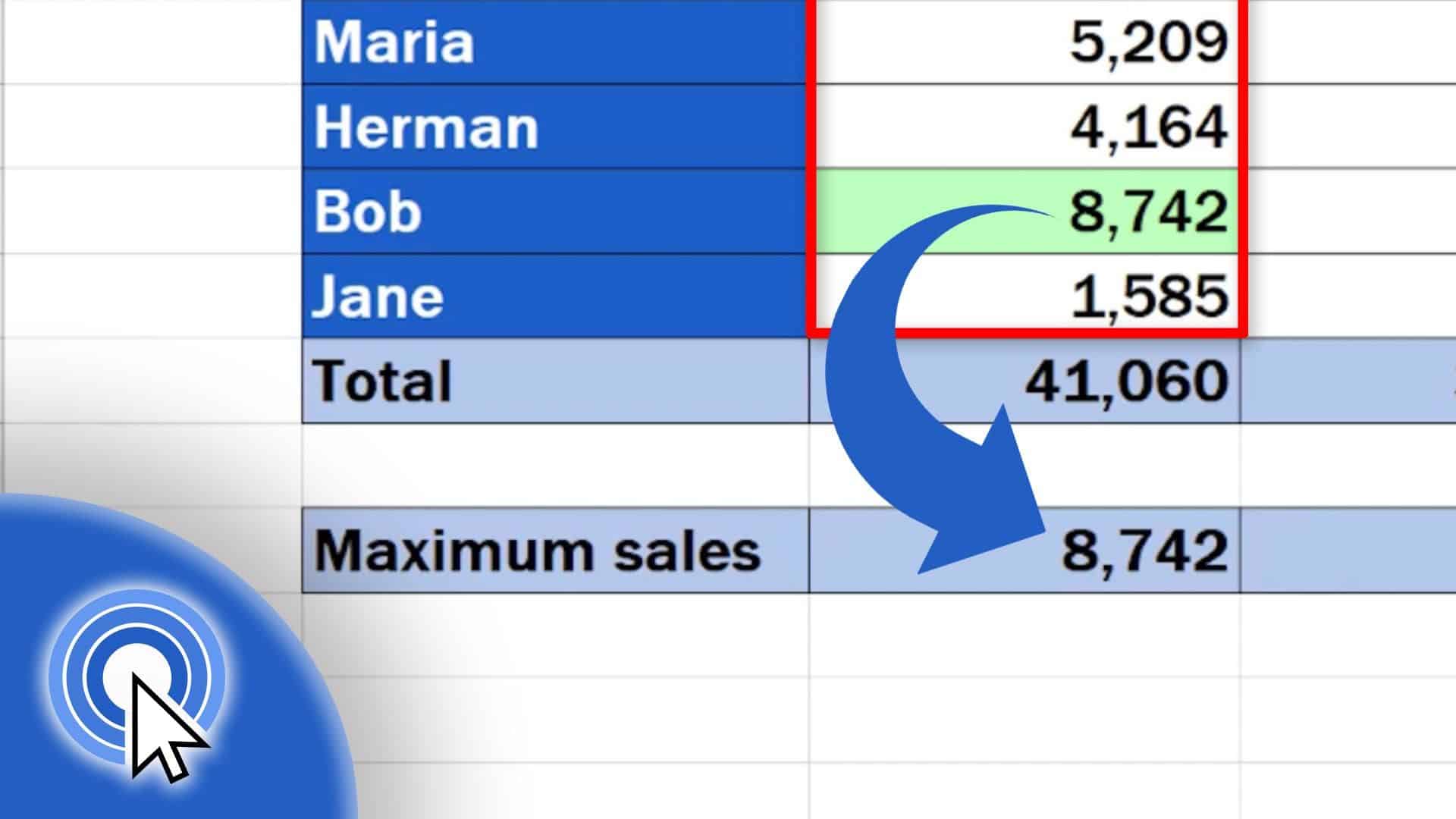
In the next couple of minutes, we’ll go through a quick guide on how to find the largest number in Excel. Thanks to these simple steps, you’ll be able to find out maximum sales for a certain period of time promptly.
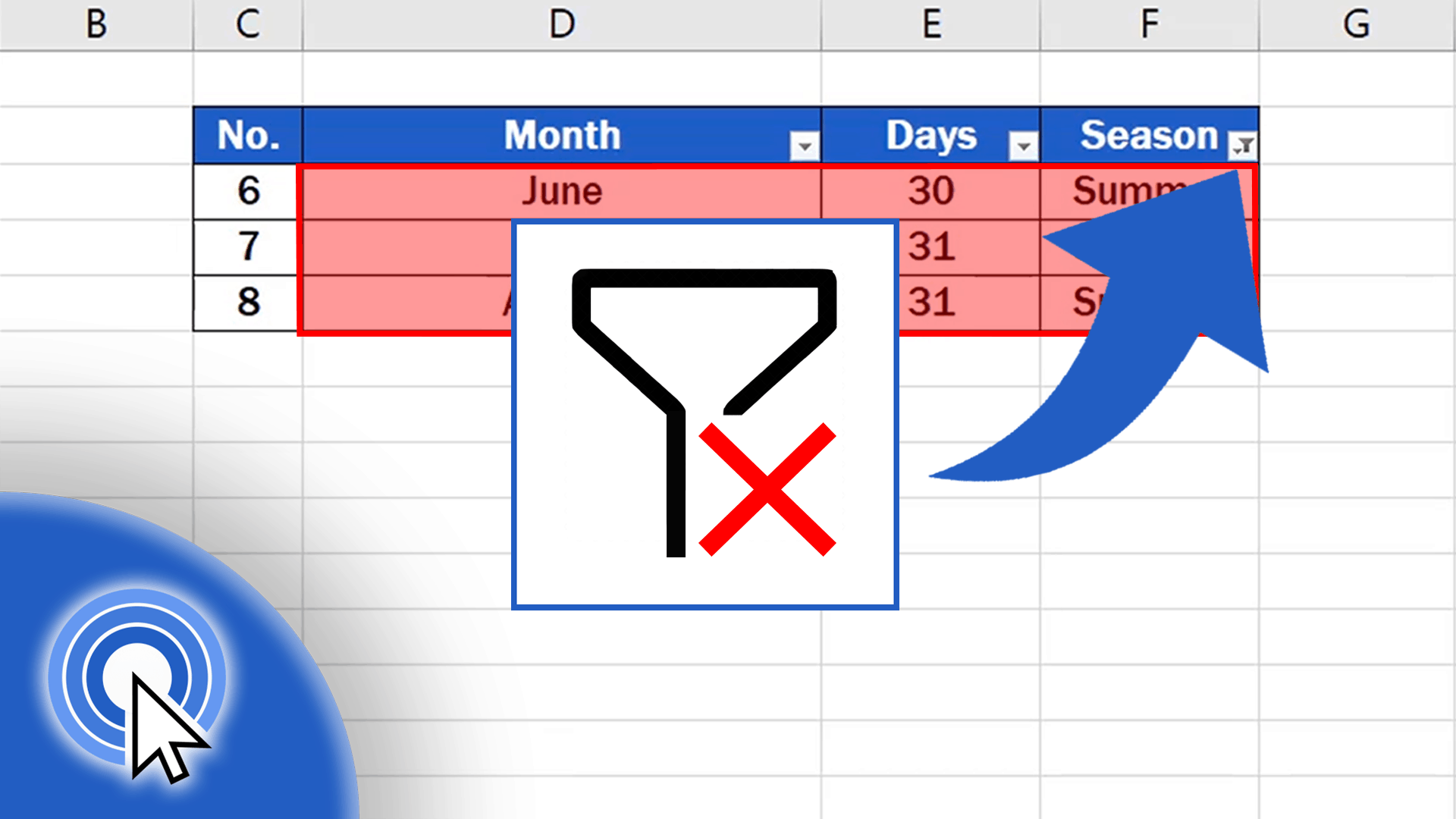
In the previous tutorial you could see how to create a filter in Excel. Today, we’ll have a look at how to clear or completely remove filter from a table.

In this tutorial, we’ll cover how to create a filter in Excel. At the end of the session, you’ll be able to filter out relevant data within a table effectively.
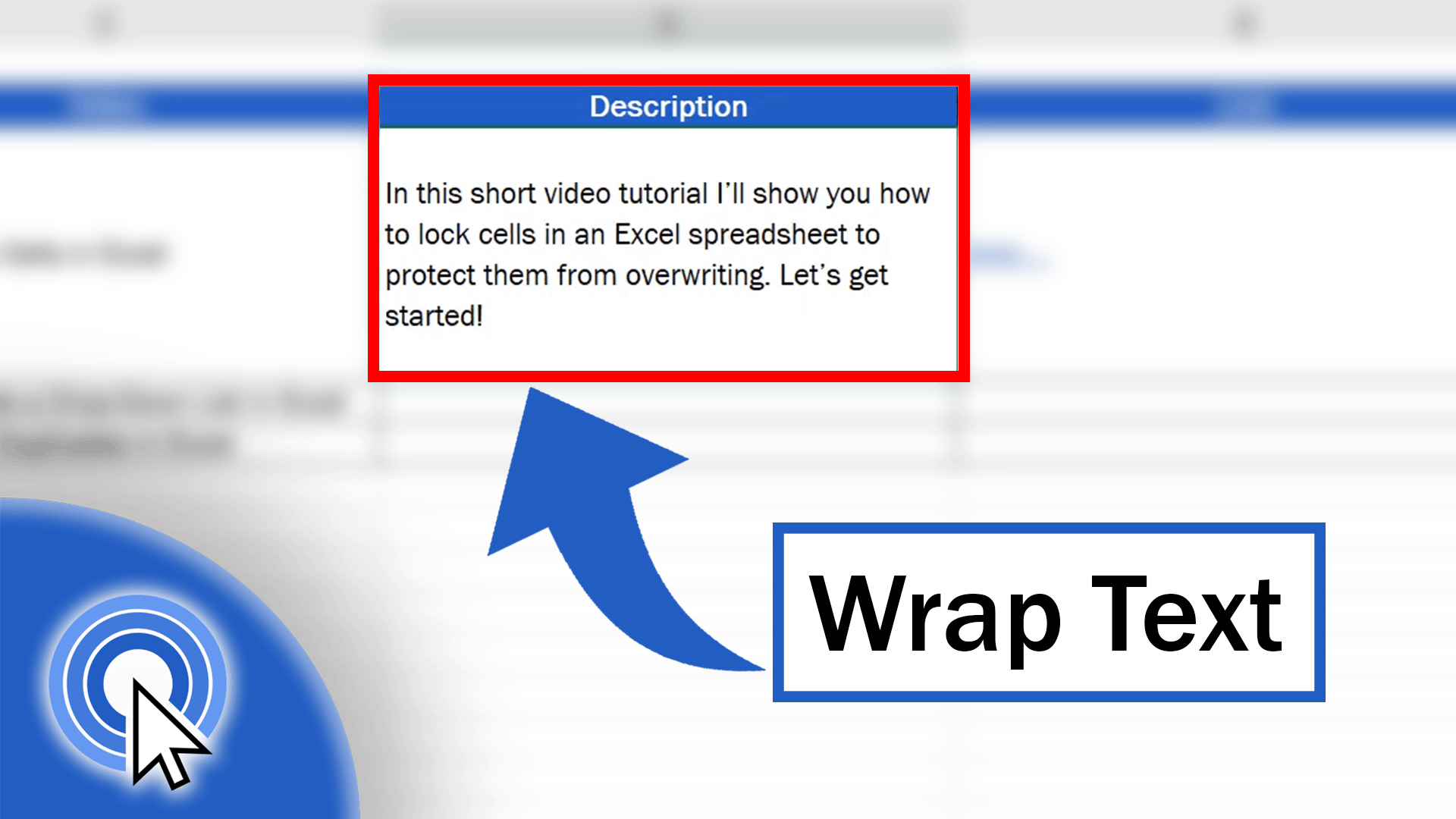
In today’s tutorial, we’ll see how to wrap text in Excel. This function can help you keep even longer texts within the boundaries of one cell, which will make it visible and readable for other users, too.
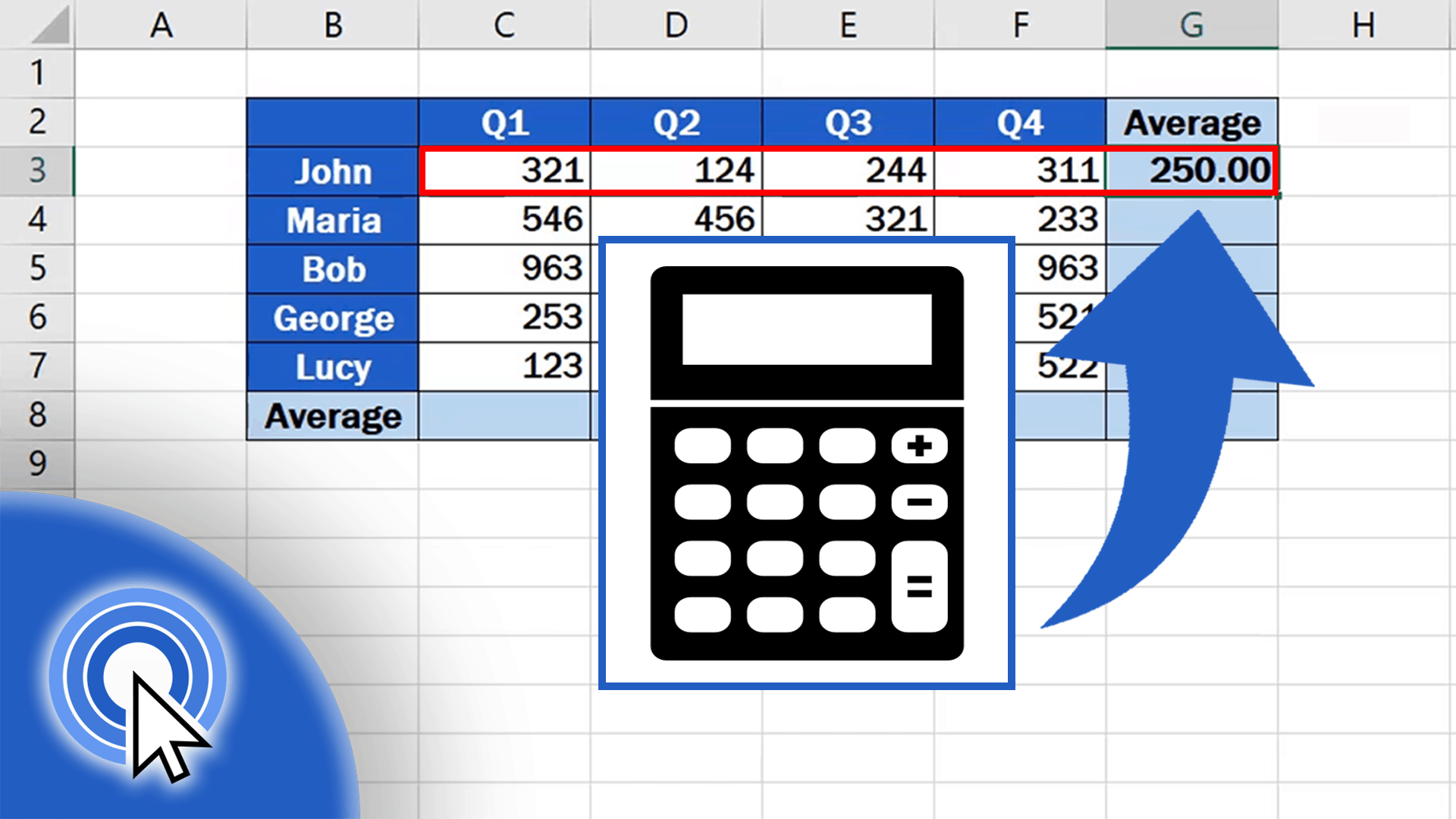
This tutorial will show you how to calculate an average in Excel, thanks to which you’ll be able to work out an average value of a group of numbers of any size.

In today’s tutorial, you’ll see how to unprotect a sheet in Excel, which will be useful if you need to edit information stored in a table on the spreadsheet.

In this tutorial, we’ll go through some simple steps to learn how to protect a sheet with a password. This will help you to protect data from overwriting or to prevent anyone else from making any unwanted changes in the spreadsheet.
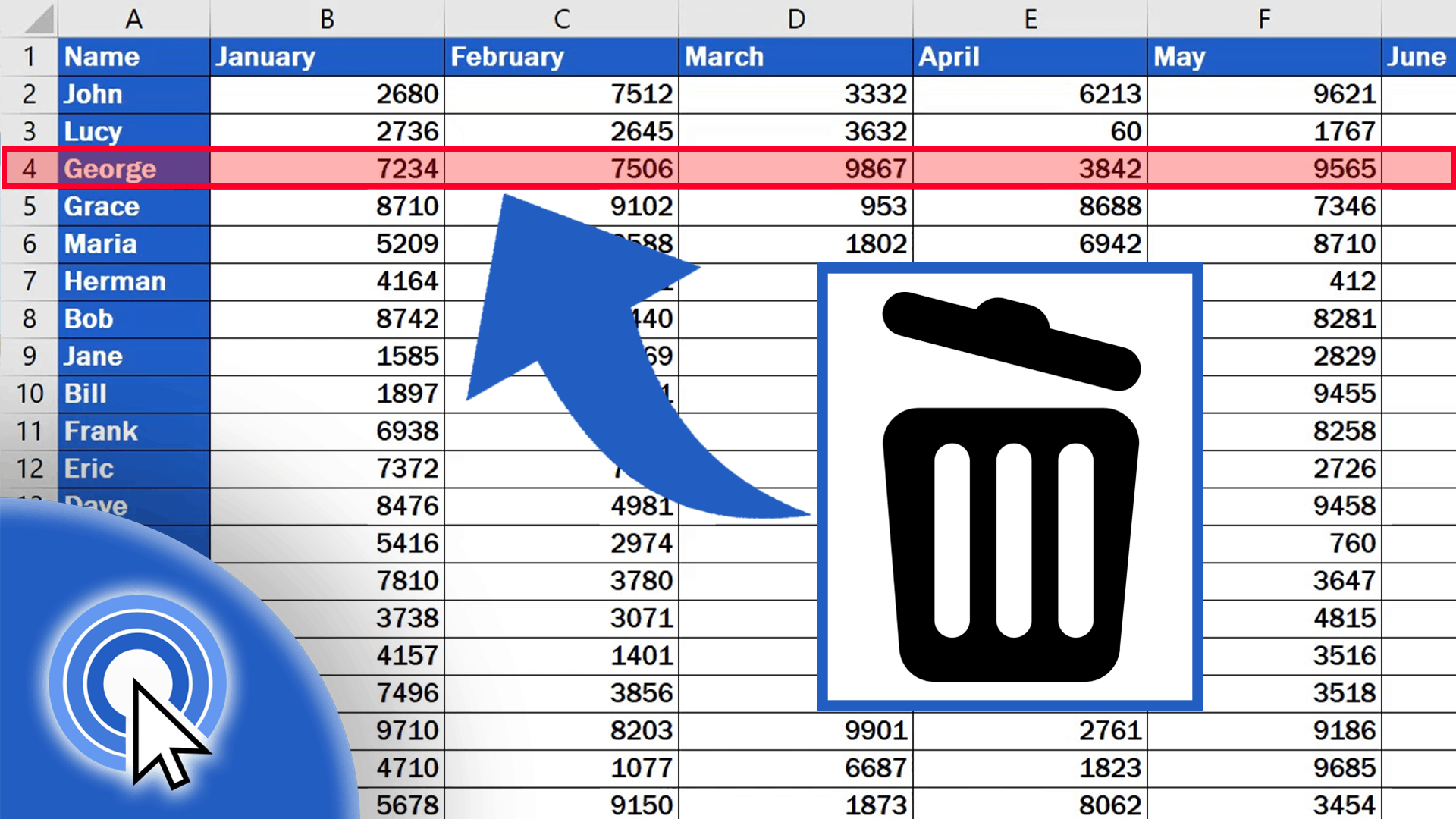
Would you like to know how you could easily delete one or more rows in Excel? We can take a look at it together in this video tutorial!
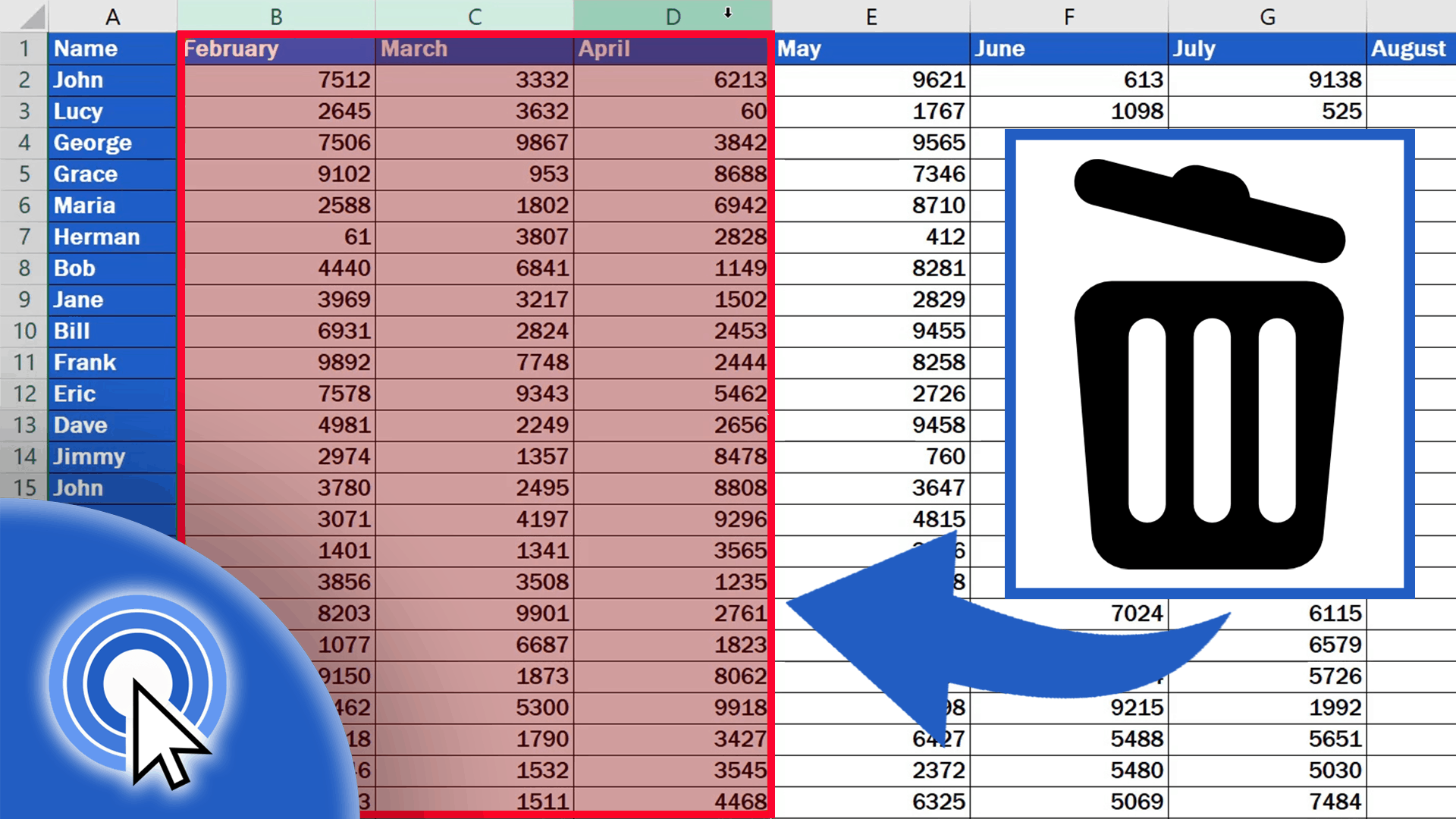
Would you like to know how you could easily delete one or more columns in Excel? We can take a look at it together in this video tutorial!