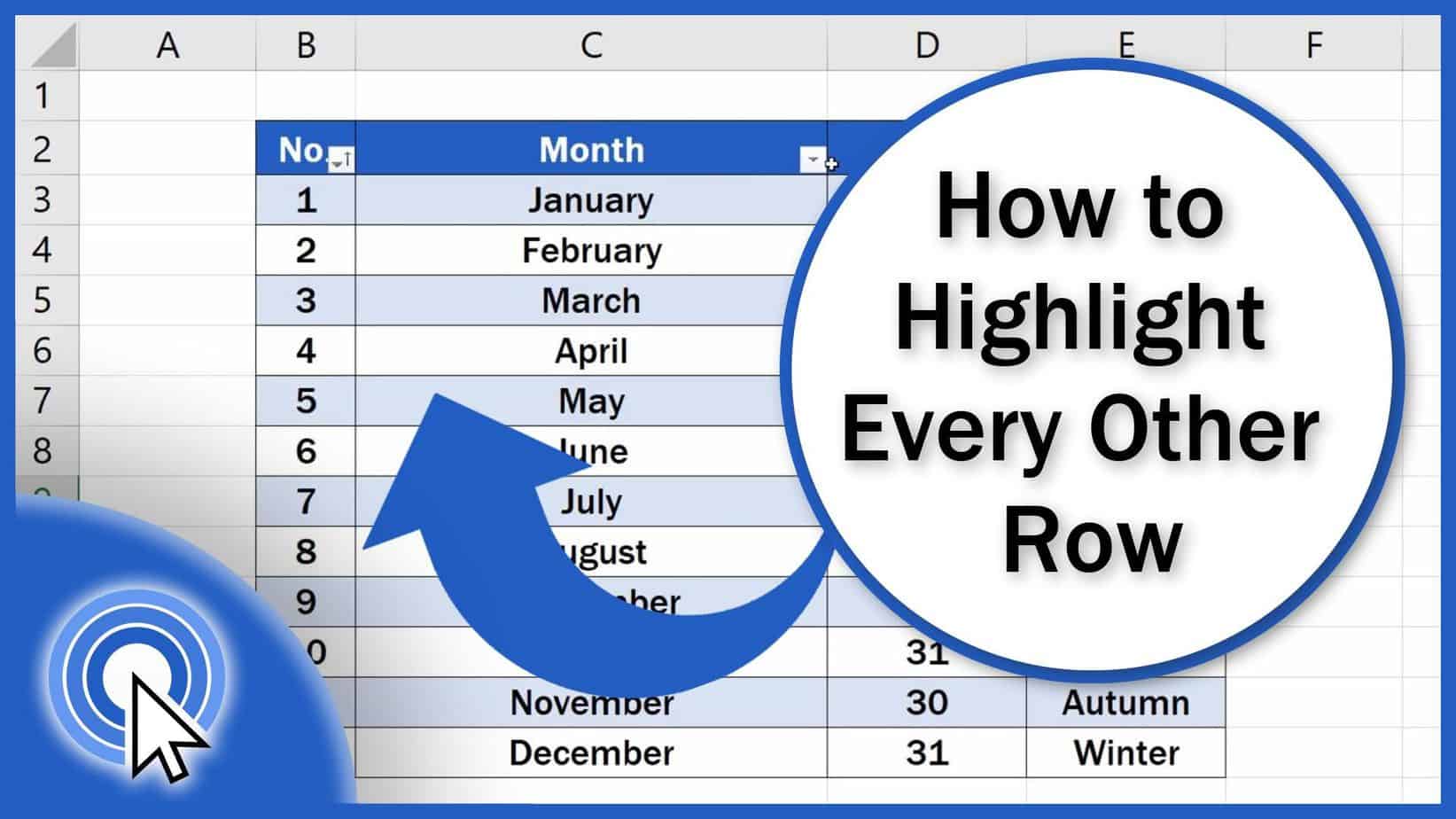
How to Highlight Every Other Row in Excel (Quick and Easy)
Today we’re gonna have a look at how to highlight every other row in Excel, quick and easy, no matter the size of the data table.
Microsoft Excel quick and easy
New Excel tutorial every week
Today we’re gonna have a look at how to highlight every other row in Excel, quick and easy, no matter the size of the data table.
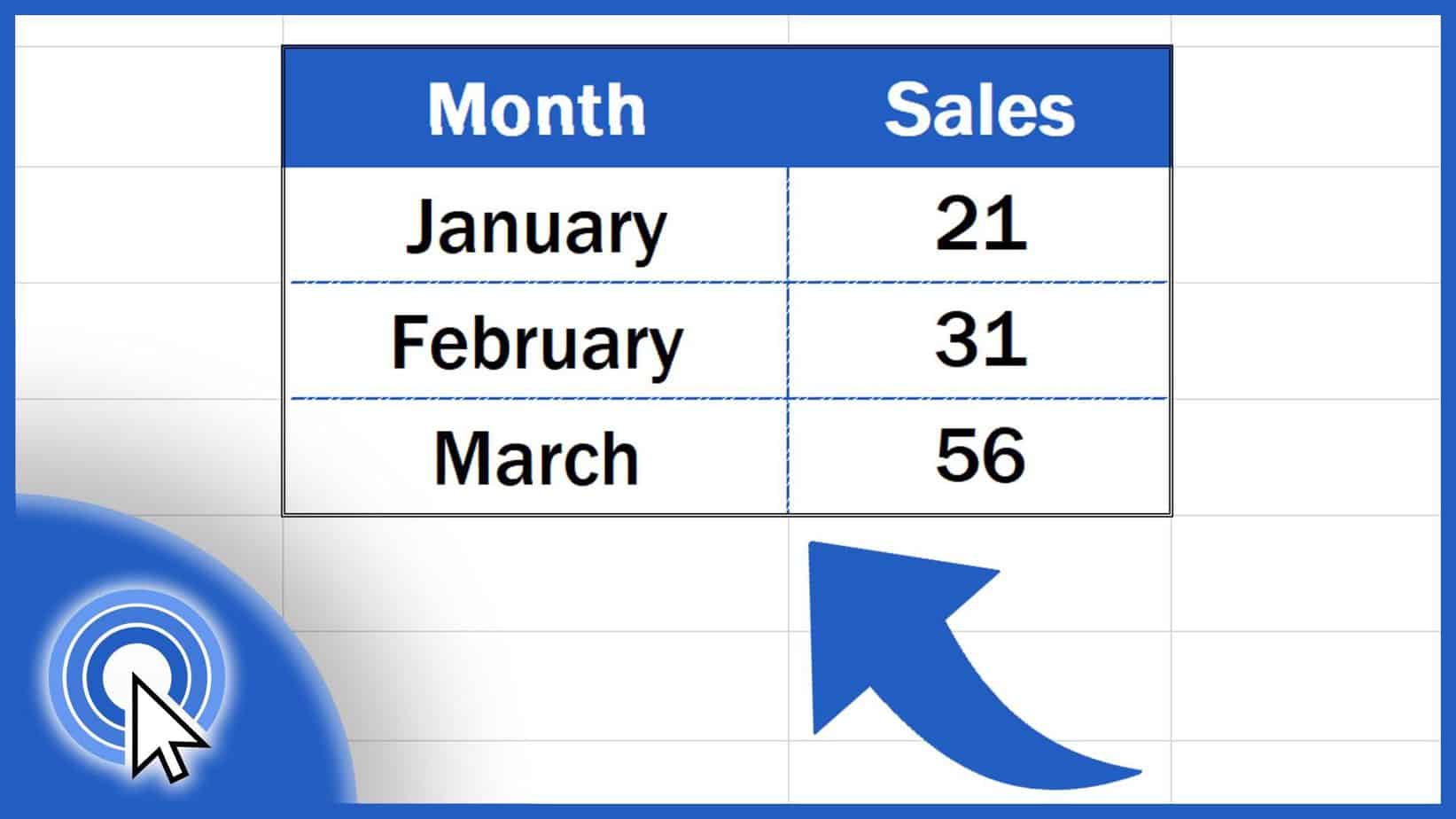
Today’s tutorial is not only about how to make borders in Excel, but also how to erase or remove the borders completely.

This tutorial describes two different ways how we can rename a legend in an Excel chart. So, let’s start with the first one, the easiest way.
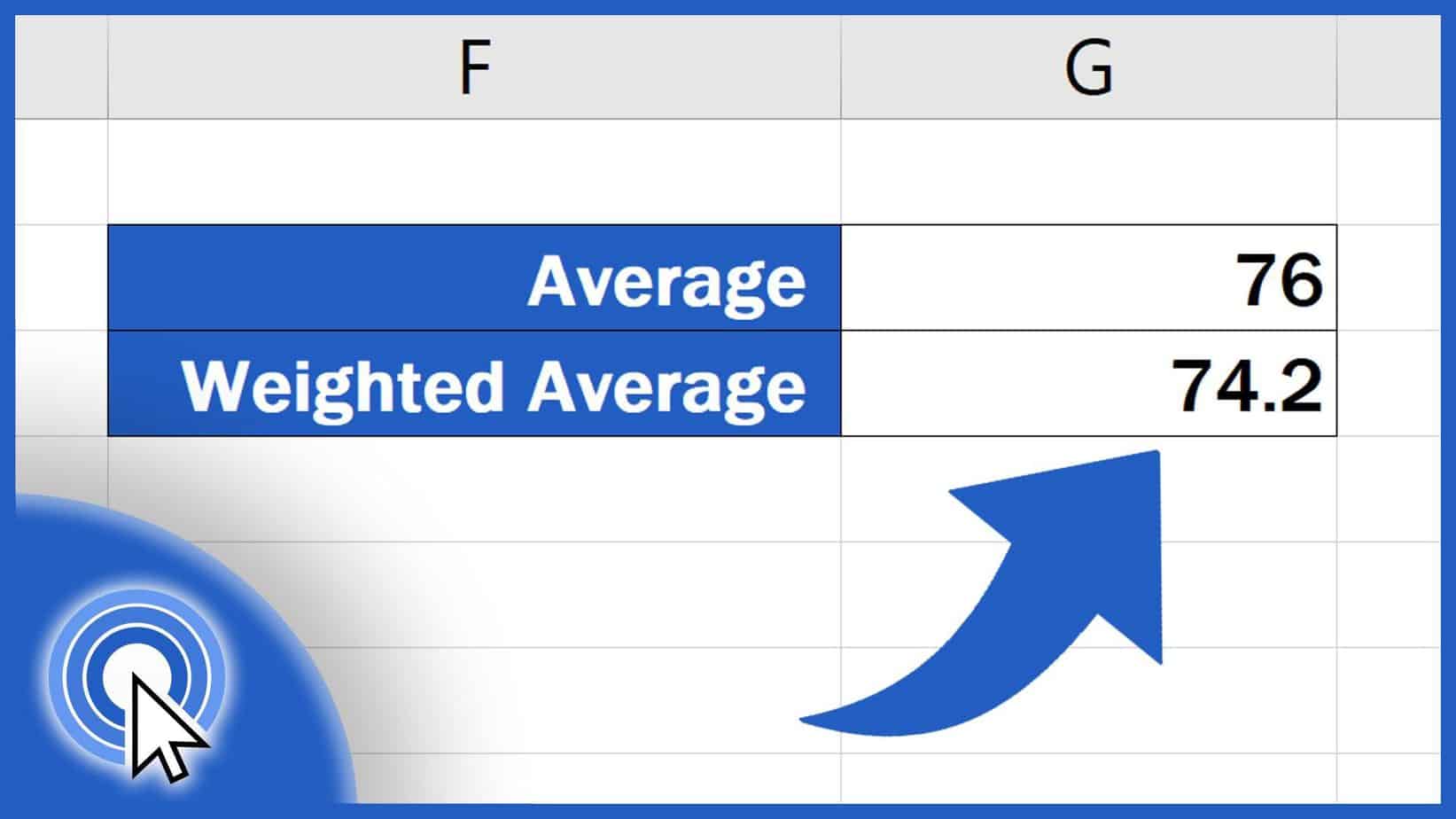
This tutorial offers a quick and easy way how to calculate a weighted average in Excel. Are you curious to learn more?

In this tutorial, we’ll be having a look at a quick and practical solution to how to insert bullet points in Excel.
This tutorial takes you through how to count words in Excel. So, you’ll be able to find out the exact word count in an Excel spreadsheet.

In this tutorial, we’ll have a look at how to create a hyperlink in Excel. We’ll show you three most commonly used types of hyperlink.
Learn how to link cells from a different spreadsheet located in the same workbook and also from completely different Excel file.
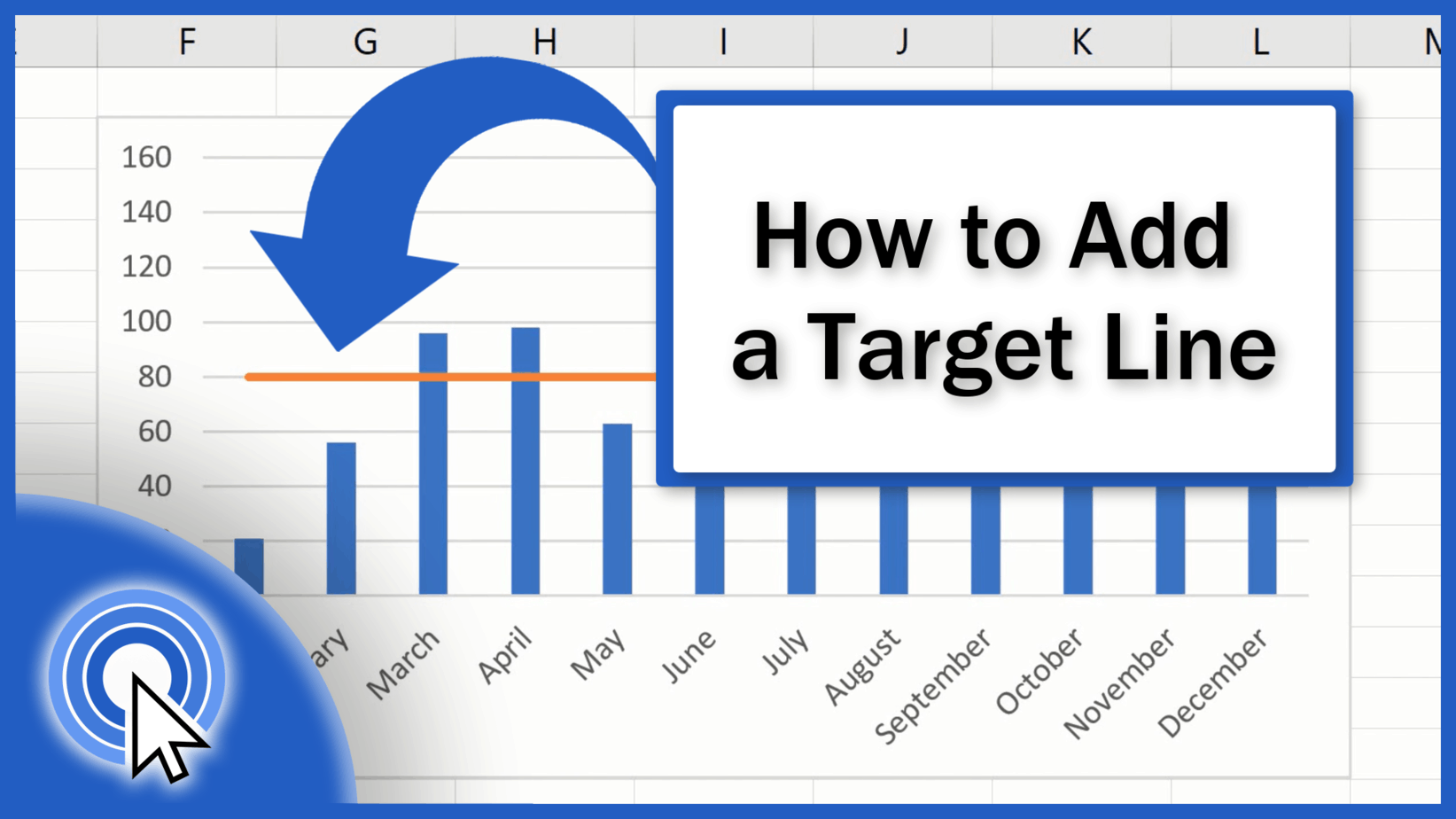
If you need to show a target value in a graph we’ll teach you how to add a target line in an Excel graph in a quick and easy way.

This tutorial offers a step-by-step guide on how to use the SUMIF function in Excel. Let’s have a look at a couple of examples together!